
Map UOM to UQC Report in TallyPrime for UAE e-Invoicing
The Map UOM to UQC report helps you create, review, and update Unit Quantity Code (UQC) mappings for Units of Measurement (UoM). Use this report to complete pending mappings, map multiple units at once, or correct existing mappings as needed.


- Press Alt+G (Go To) > Map UoM – UQC.
By default, the report displays all the UOMs with the UQC, if mapped.
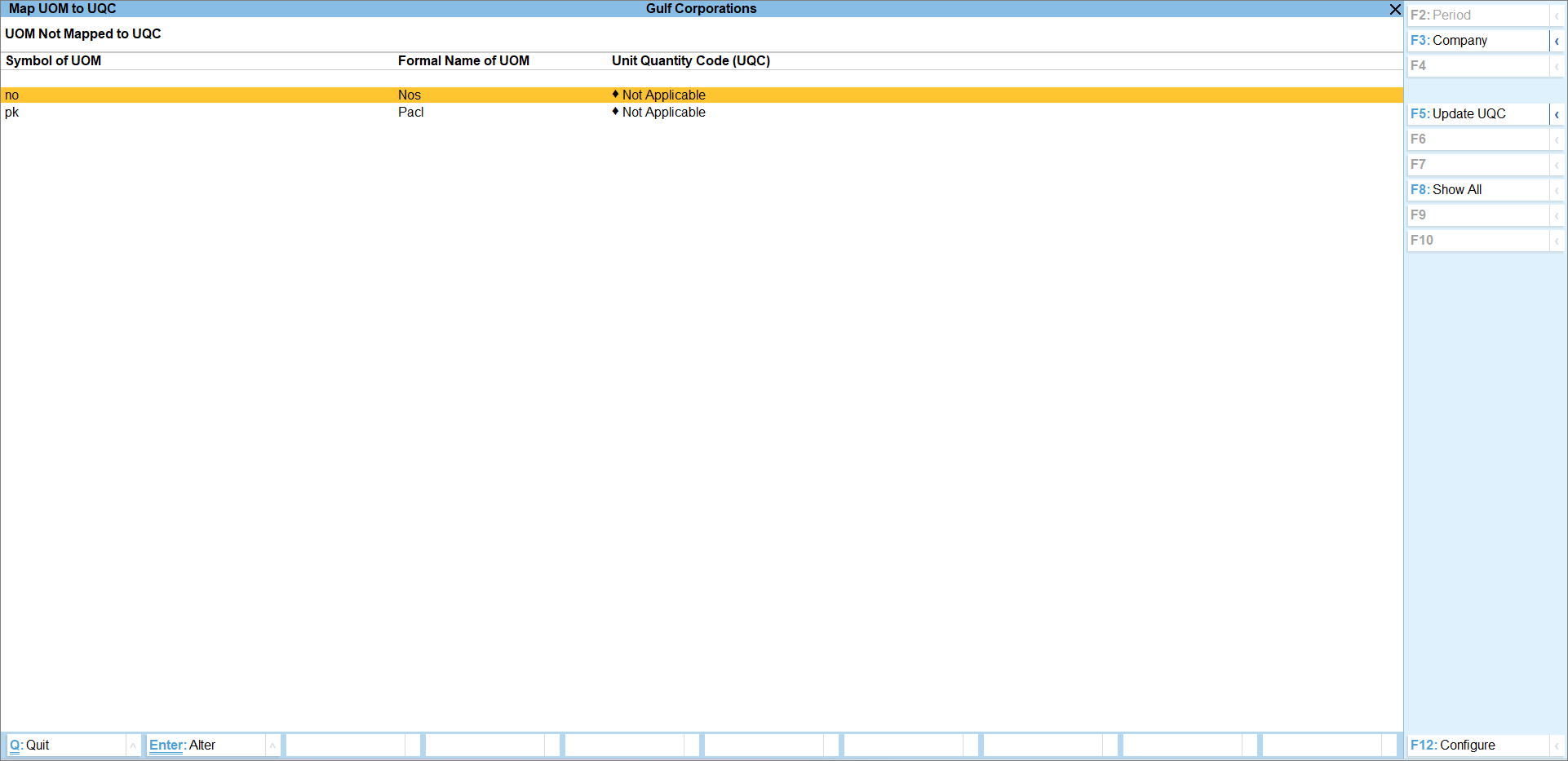
- To view the UOMs without any mapping, press F8 (Exceptions Only).
- Show All: Displays all UoMs available in the company.
- Exceptions Only: Displays only those UoMs for which the UQC mapping is pending.
- To update the mapping, press F5 (Update UQC).
- To toggle between condensed and detailed modes, press Alt+F.
The detailed mode displays the stock items linked to the unit. - Press F12 (Configure) > Format of Report to configure the format of the report, as required.
- Condensed: Displays the report in a compact format.
- Detailed: Displays the report with additional details.
- Provide other necessary details and press Ctrl+A to save.
Is this information useful?
YesNo


