
Create Additional Expense Ledger in TallyPrime
You can create an Additional Expense Ledger in TallyPrime to allocate expenses such as freight, customs duty, and handling charges to purchased stock items.
Create a ledger under Indirect Expenses.

- In the Ledger Creation/Alteration screen, press F12 (Configure) and set Select Appropriation Methods to allocate Additional Costs to Yes.
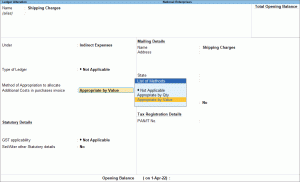
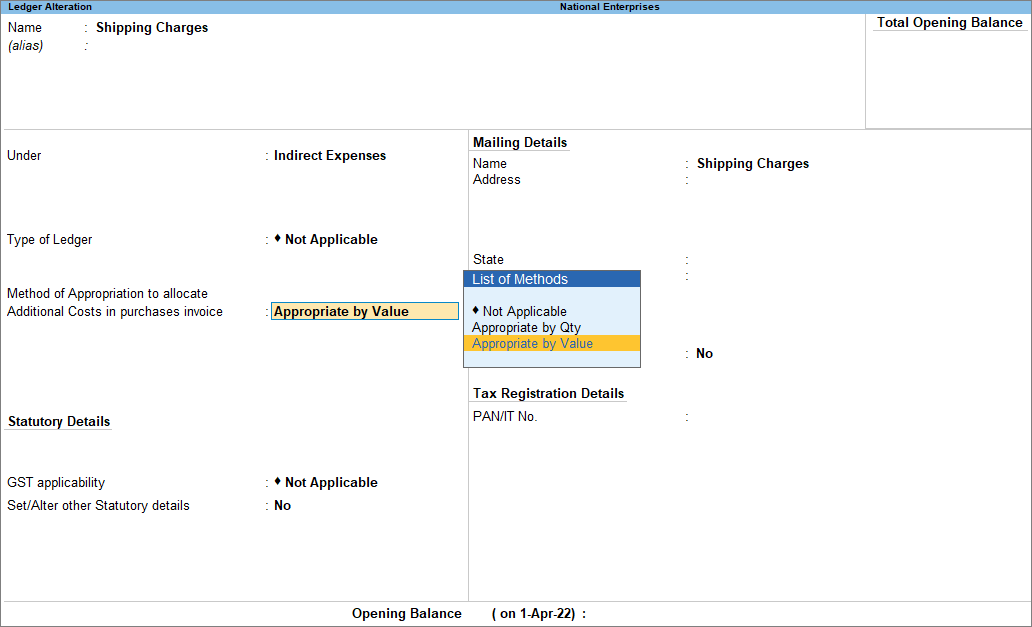
- Select the Method of Appropriation to allocate Additional Costs in purchase invoice based on your business practice.
- Appropriate by Qty: To allocate the additional cost based on the quantity of stock items in the voucher.
- Appropriate by Value: To allocate the additional cost based on the value of stock items in the voucher.
- Press Ctrl+A to save
Is this information useful?
YesNo


