
Record a Purchase Against an Advance Paid to the Supplier in TallyPrime
In some business scenarios, you may pay an advance to your supplier before receiving the goods or services. When recording a purchase invoice in TallyPrime, you can adjust the purchase against the advance payment.

Ensure that the supplier ledger is configured with the required Credit Limit & Credit Period, and for maintaining balances bill-by-bill.
In the Purchase voucher:
- Press F12 (Configure) and set Use default Bill-wise details for Bill Allocation to No.
- Under the Party A/c Name, select the supplier.
- Select the purchase ledger and enter the necessary stock item details.
- In the Bill-wise Details for, select Agst Ref and the Pending Bill.
The Amount gets prefilled.
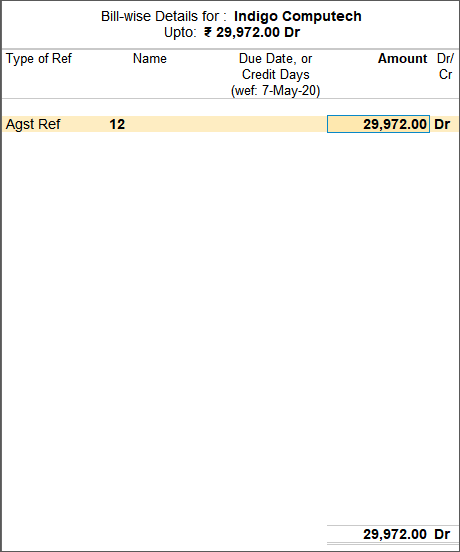
- Press Ctrl+A to save.
In this way, you can adjust the advance against the purchase bill and pay only the remaining balance, if any. You can also adjust any unused advance against future purchase bills.
Is this information useful?
YesNo


