
Record Purchase Returns Using Debit Notes in TallyPrime
If you need to return goods due to quality issues or any other reason, you can record a purchase return using a debit note in TallyPrime.

- Press Alt+G (Go To) > Create Voucher > press F10 (Other Vouchers) > Debit Note.
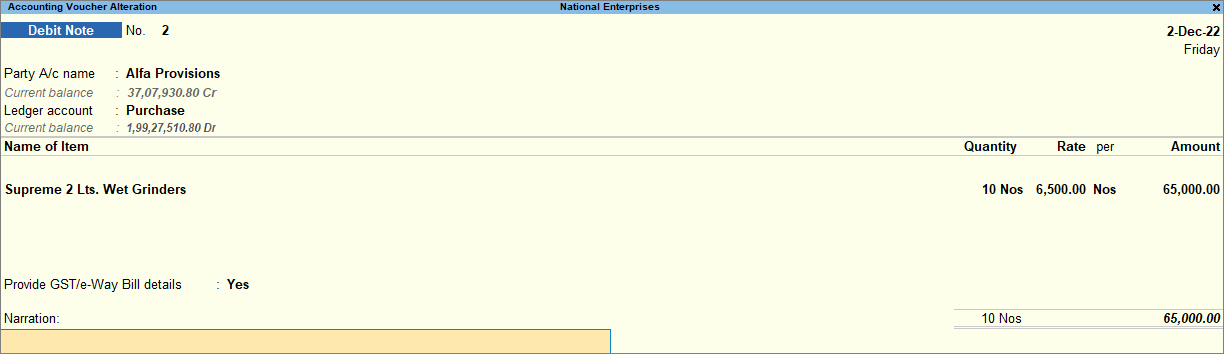
- In Party A/c name, select the original supplier.
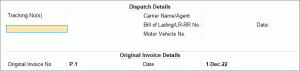
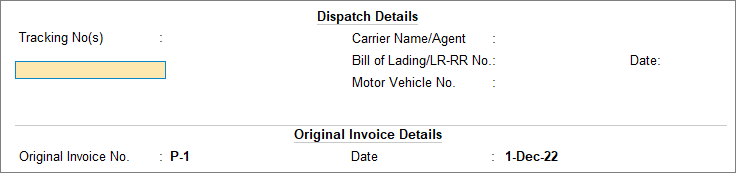
- Under Original Invoice Details, enter the Original Invoice No. and Date.
- Enter the Name of Item and specify the Quantity and Rate.
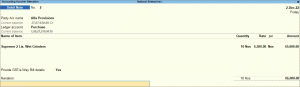
- Provide Narration for the voucher, if needed, and press Ctrl+A to save.
In this way, you can easily account for the returned goods and supplier liability.
Is this information useful?
YesNo


