
Party TRN and Company TRN cannot be same
Cause
The same TRN is specified for both the company and the party.
Resolution
- Drill down from the section.
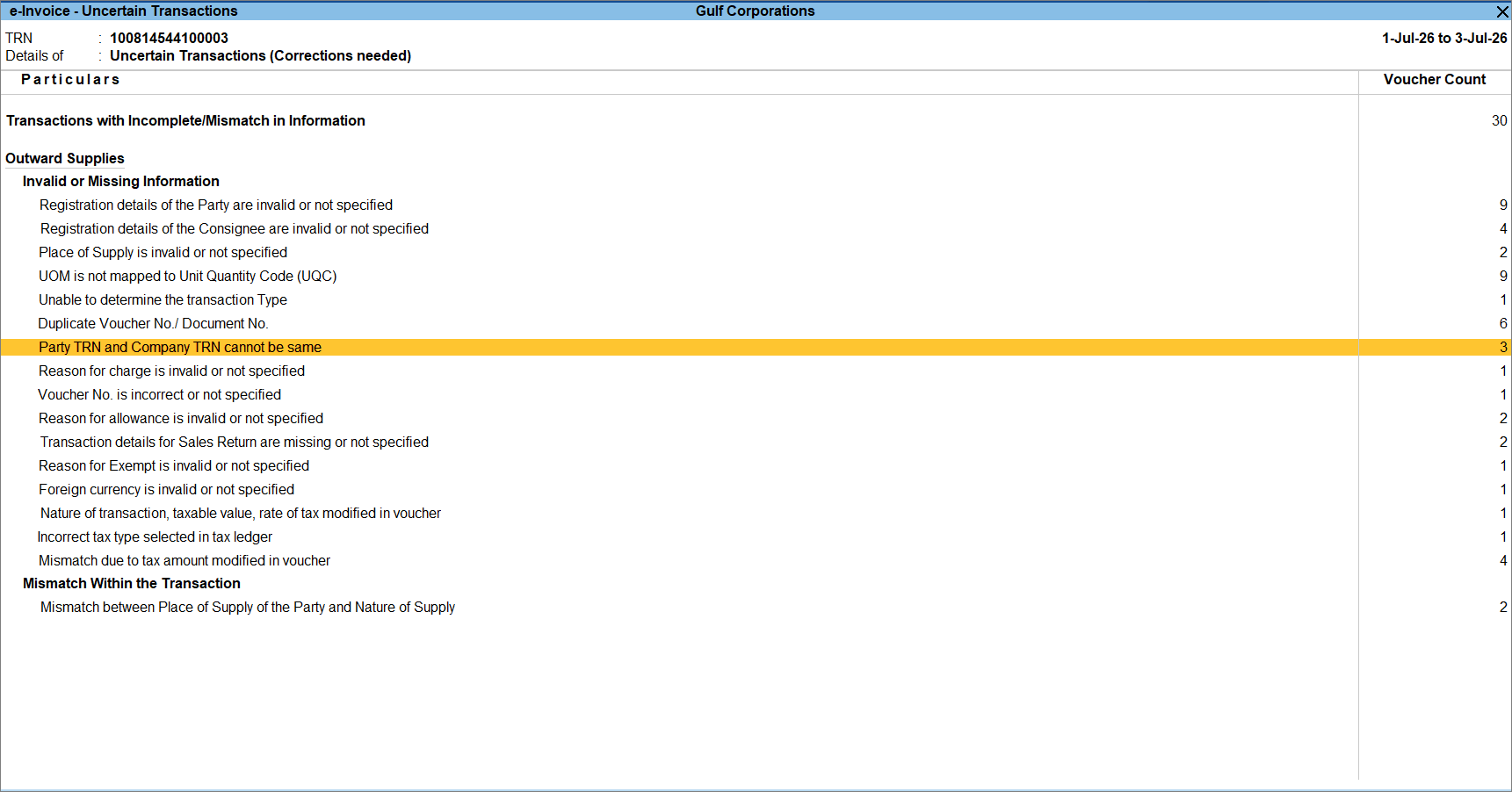
- Select the required voucher and review the details.
- To update the Party TRN, alter the party master.
- Drill down to the Party Details screen and enter the correct TRN.
- Press Ctrl+A to accept the screen.
- If the Company TRN needs to be updated, alter the company master.
- Press Alt+K (Company) > F11 (Features) > Value Added Tax (VAT).
- In the Statutory and Taxation screen, enter the correct TRN.
- Press Ctrl+A to accept the screen.
- Press Ctrl+A to save the voucher.
Is this information useful?
YesNo


