
View Reversing Journal Register in TallyPrime
The Reversing Journal Register in TallyPrime displays all recorded reversing journals in a month-wise view. You can drill down to view individual vouchers and modify them as required.
- Press Alt+G (Go To) > type or select Reversing Journal Register > press Enter.
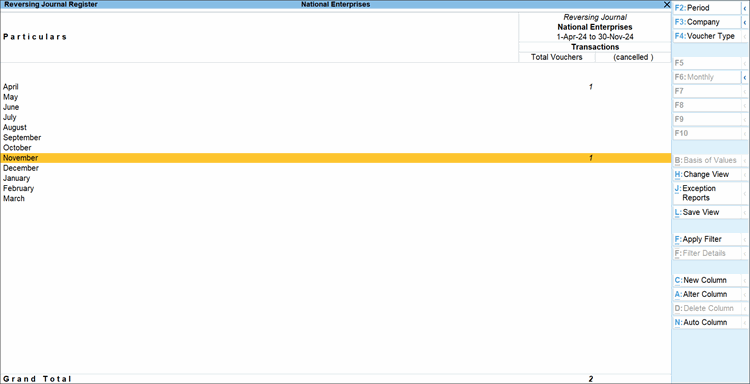
- Drill down from a particular month to view the list of Reversing Journals.
-
To view the Voucher Register in column-based format, press F8 (Columnar) and enable the options you want to view.
Alternatively, press Ctrl+H (Change View) and select Columnar. -
To view the extract of all Reversing Journals, press Ctrl+H and select Extract.
- To view the list of cancelled vouchers and post-dated vouchers, press Ctrl+J (Exception Reports).
Is this information useful?
YesNo


