
View Credit Note Register in TallyPrime
The Credit Note Register displays all the Credit Notes recorded for sales returns, with a month-wise break-up. You can drill down to view individual Credit Notes and alter them, if required.
- Press Alt+G (Go To) > type or select Credit Note Register.
The report displays a month-wise view of credit notes.
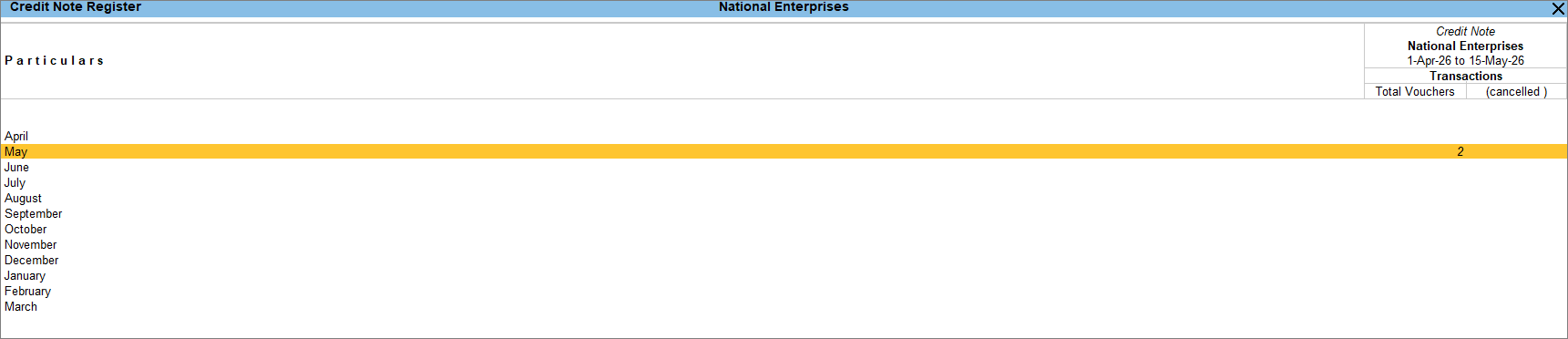
- Drill down from the credit note register to view the voucher register.
Questions & Answers
- Can I view optional vouchers in the Credit Note Register?
Yes. Press F12 (Configure) and set Show Optional Vouchers to Yes. The Credit Note Register displays the count of optional vouchers in a separate column.
Is this information useful?
YesNo


