
Foreign Currency is Invalid or Not Specified
Cause
The currency code specified in the currency master is invalid or is not supported.
Resolution
- Drill down from the section.
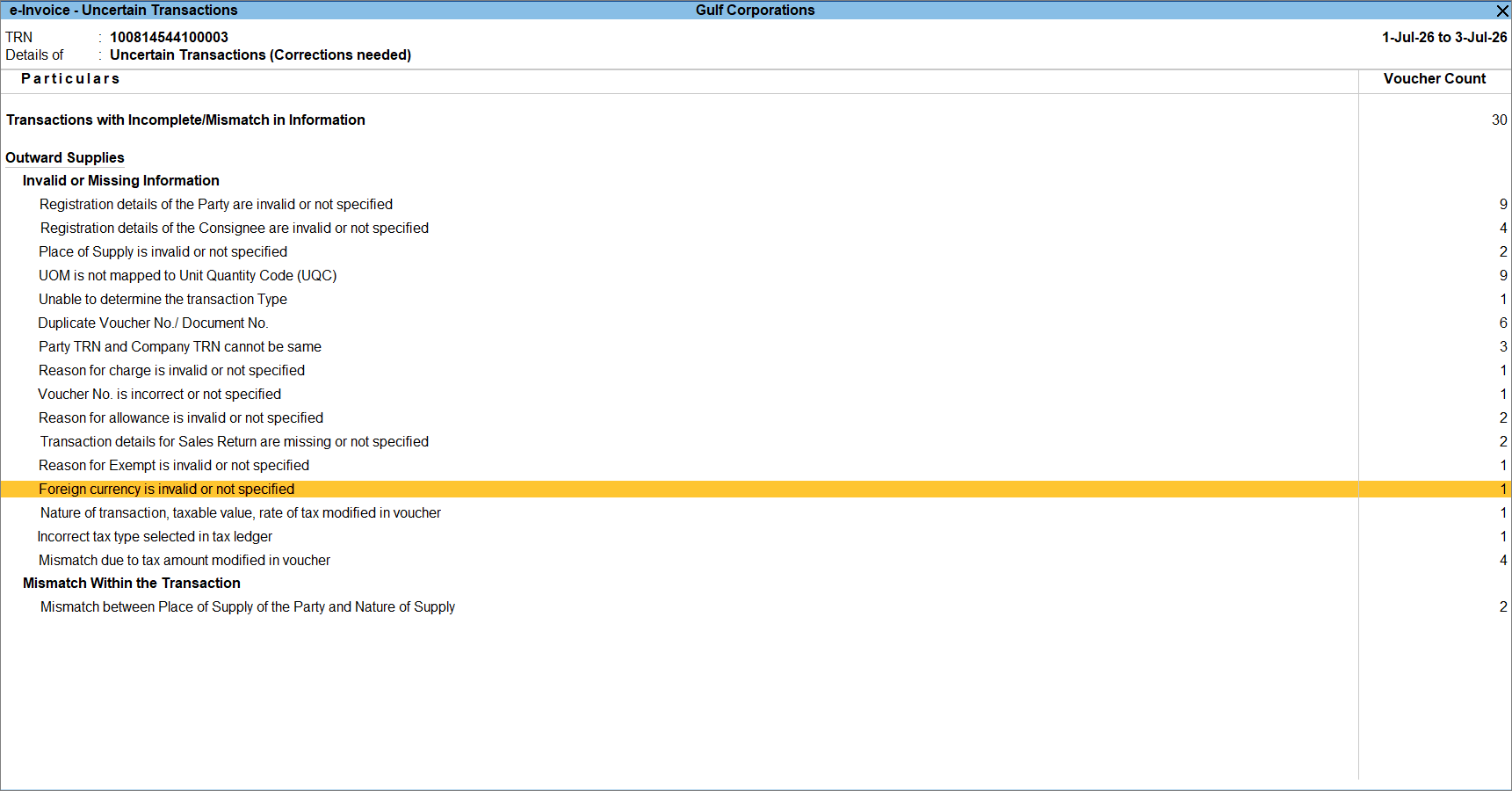
- Select the required voucher.
- Alter the Currency master and select the correct currency code.
- Press Ctrl+A to accept the Currency master.
- Press Ctrl+A to save the voucher.
Is this information useful?
YesNo


