
Sign In and Sign Out from Tally e-Billing
To begin, sign in to Tally e-Billing with your Tally.NET ID and create a new company or open an existing company. The session becomes inactive if no activity is performed for more than 30 mins. Once your work is done, you can sign out from the application.
Sign In to Tally e-Billing
- Open a web browser and enter https://ebilling.tallysolutions.com.
- In the login screen, enter your Tally.NET ID and Password.
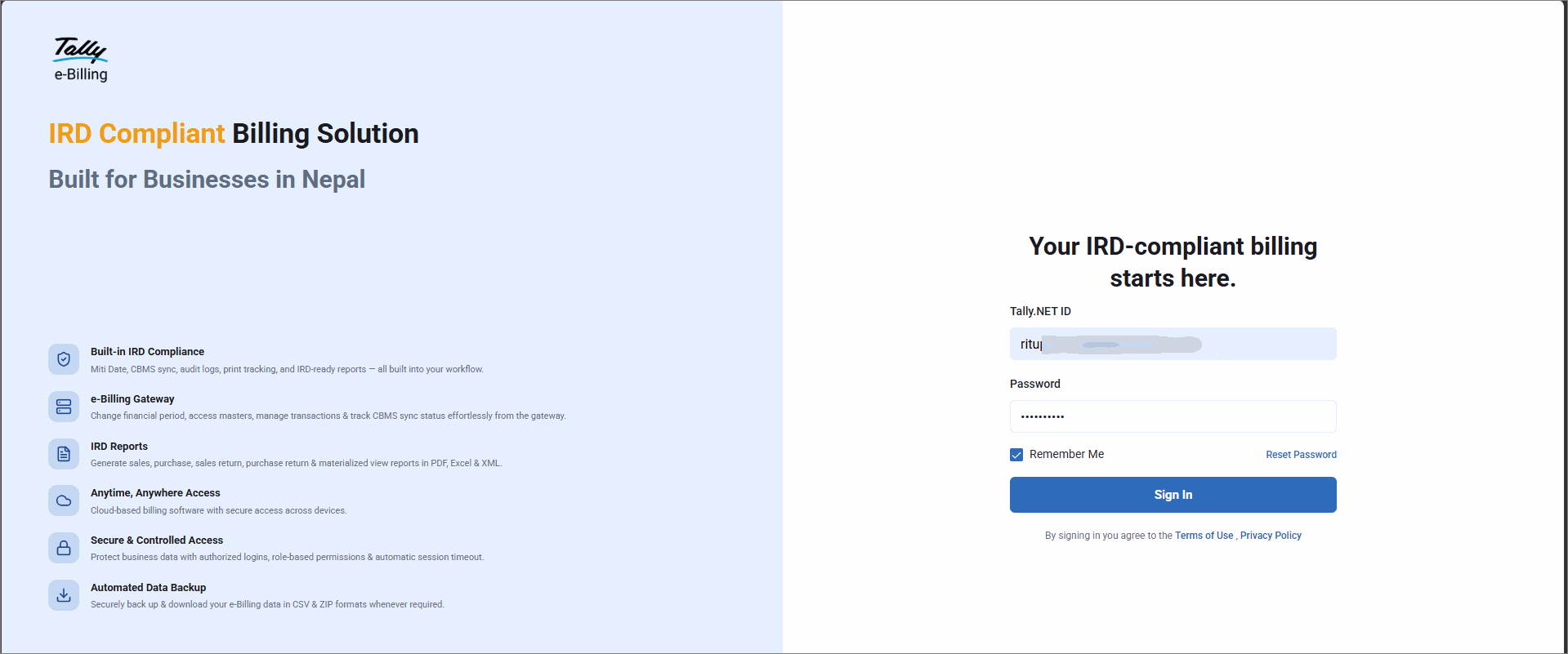
- Click Sign In.
If you are already signed in on another device using the same credentials, select Logout from Other Device and then Sign In.
Sign Out from Tally e-Billing
- From Gateway > click Logout.

Is this information useful?
YesNo


