
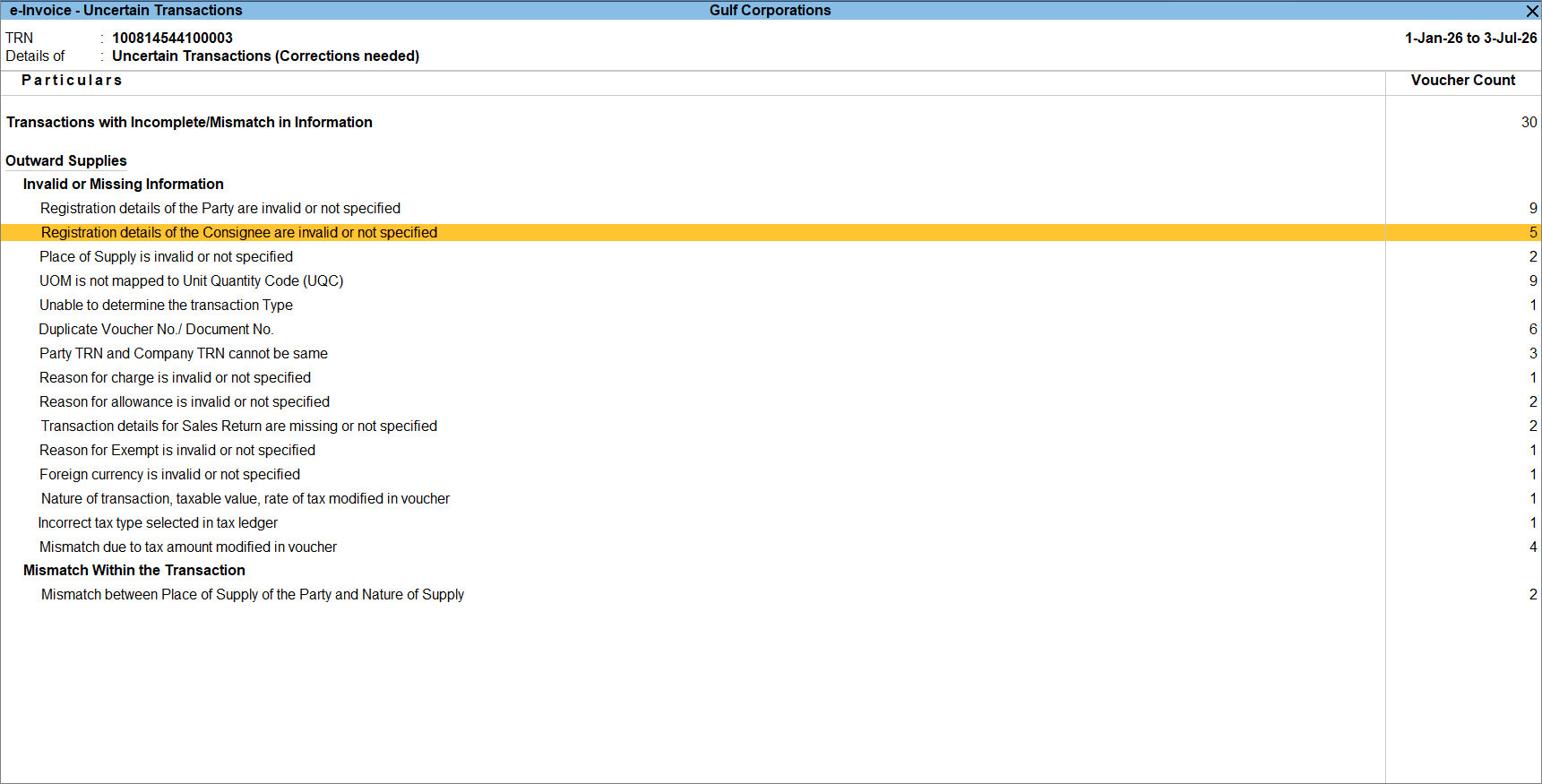
Registration Details of the Consignee are invalid or not specified
Cause
The required registration details for the consignee are missing or invalid in the Party Details screen of the voucher.
Resolution
- Drill down from the section to open the voucher.
- Select the required party.
- In the Party Details screen, update the required registration details for the consignee.
- Press Ctrl+A to accept the Party Details screen.
Is this information useful?
YesNo


