
Record Increase in Sale Value in TallyPrime
If you need to increase the value of a sale after recording the original sales invoice, you can record the additional amount using a Debit Note. This may be required when an incorrect rate was entered in the original invoice or when the selling price needs to be revised after the sale.

- Ensure that the original sales invoice details are available, including the invoice number and date.
- Press Alt+G (Go To) > Create Voucher > F10 (Other Vouchers) > type or select Debit Note.
- Press Ctrl+H (Change Mode) and select Item Invoice mode.
- Enter the Party Details.
- Party A/c Name: Select the party to whom the goods were originally sold.
- Receipt Details: Enter the required details and specify the Original Invoice No. and Date.
- Select the Sales ledger.
- Under Name of Item, select the stock item sold originally. Do not specify Quantity and Rate.
- In Amount, enter the additional sale value.
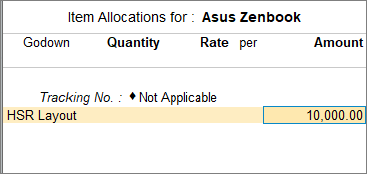
- In the Bill-wise Details screen, select New Ref.
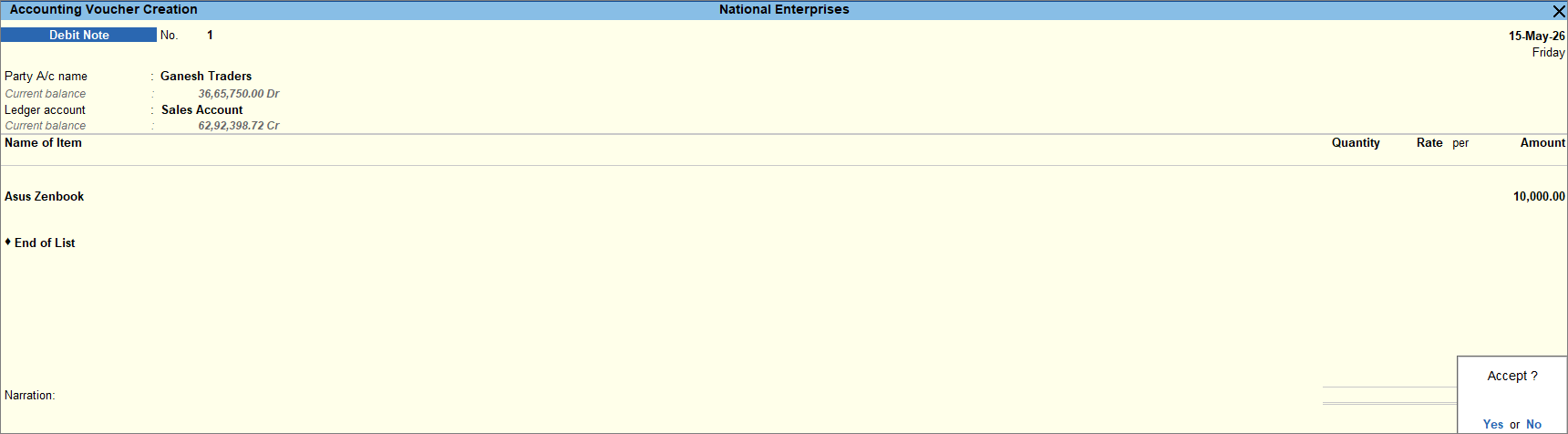
- Provide Narration, if needed, and press Ctrl+A to save the voucher.
Is this information useful?
YesNo


