
Record Increase or Decrease in Purchase Value in TallyPrime
In some business situations, the value of a purchase may increase or decrease due to reasons such as price revisions, additional charges, defective goods, or purchase returns. In TallyPrime, you can record a Credit Note to account for an increase in purchase value and a Debit Note to account for a decrease in purchase value, ensuring that your purchase records remain accurate.

Ensure that:
- You have created a Purchase ledger.
- The original purchase Invoice No. and Date are available for reference.
Record Increase in Purchase Value in TallyPrime

- Press Alt+G (Go To) > Create Voucher > press F10 (Other Vouchers) > Credit Note.
- In Party A/c name, select the original supplier.
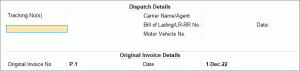
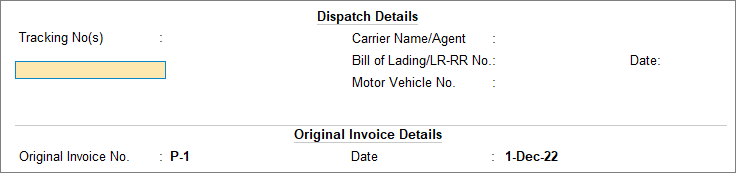
- Under Original Invoice Details, enter the Original Invoice No. and Date.
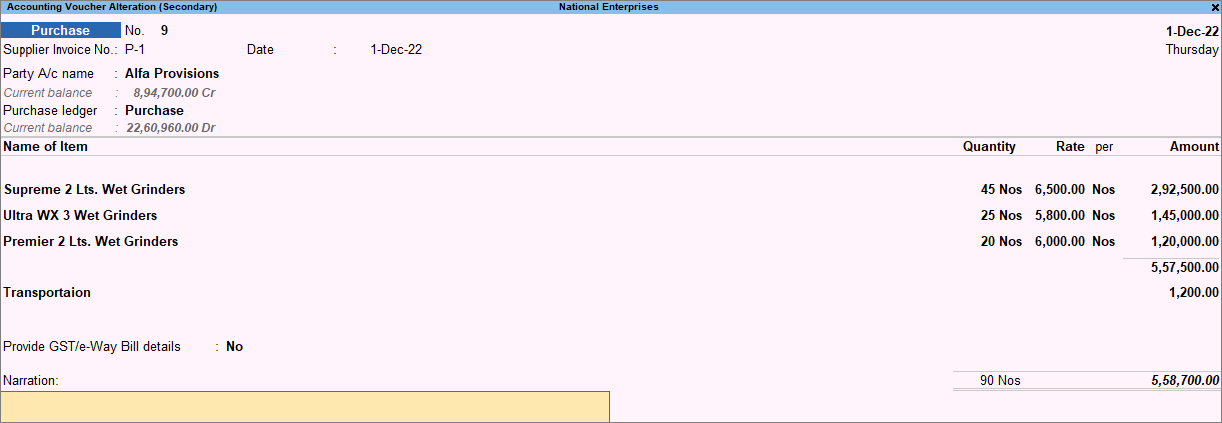
- Specify the Name of Item and the Quantity and Rate.
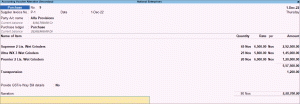
- Provide Narration for the voucher, if needed, and press Ctrl+A to save.
Record Decrease in Purchase Value in TallyPrime
- Press Alt+G (Go To) > Create Voucher > press F10 (Other Vouchers) > Debit Note.
- Press Ctrl+H (Change Mode) and select Item Invoice.
- In Party A/c name, select the original supplier and press Enter.
- Under Original Invoice Details enter the Original Invoice No. and Date of the original purchase transaction.
- In the Ledger account field, select the purchase ledger.
- Enter name of stock items and specify Quantity and Rate.
- In the Bill-wise Details screen, update the required details.
- Select Agst Ref as the Type of Ref and select the purchase invoice for which the value is being decreased.
- In Amount, enter the decreased purchase value, including tax, and select Cr under Dr/Cr.
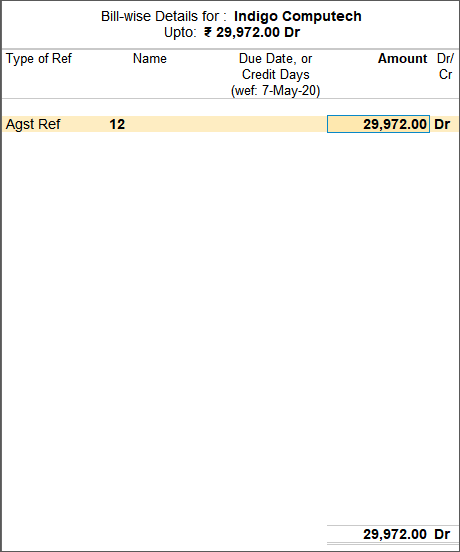
- Provide Narration for the voucher, if needed, and press Ctrl+A to save.
In this way, you can record purchase value adjustments using Credit Notes and Debit Notes, and keep purchase records and supplier balances accurate.
Is this information useful?
YesNo


