
View Memorandum Voucher Register in TallyPrime
You can use the Memorandum Voucher Register to review and analyse recorded Memorandum vouchers.
- Press Alt+G (Go To) > type or select Memorandum Register > press Enter.
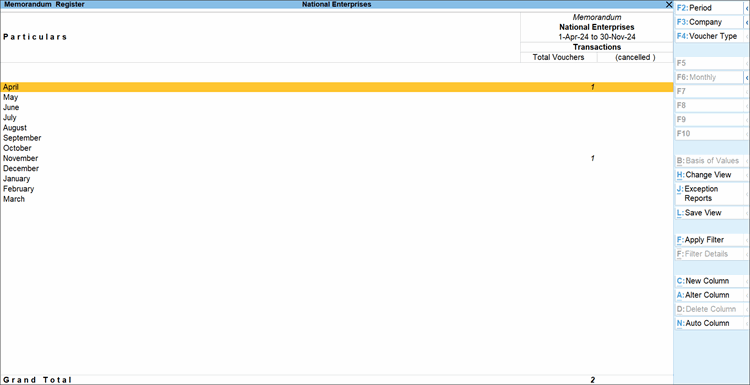
- Press Enter on the selected period to view the Voucher Register report. All Memorandum vouchers recorded during that period are displayed.
- To view transactions for a specific date or period, press F2 (Date) or Alt+F2 (Period).
Is this information useful?
YesNo


