
UOM is not mapped to the Unit Quantity Code (UQC)
Cause
The Unit of Measurement used for an item is not mapped to a Unit Quantity Code (UQC).
Resolution
- Drill down from the section.
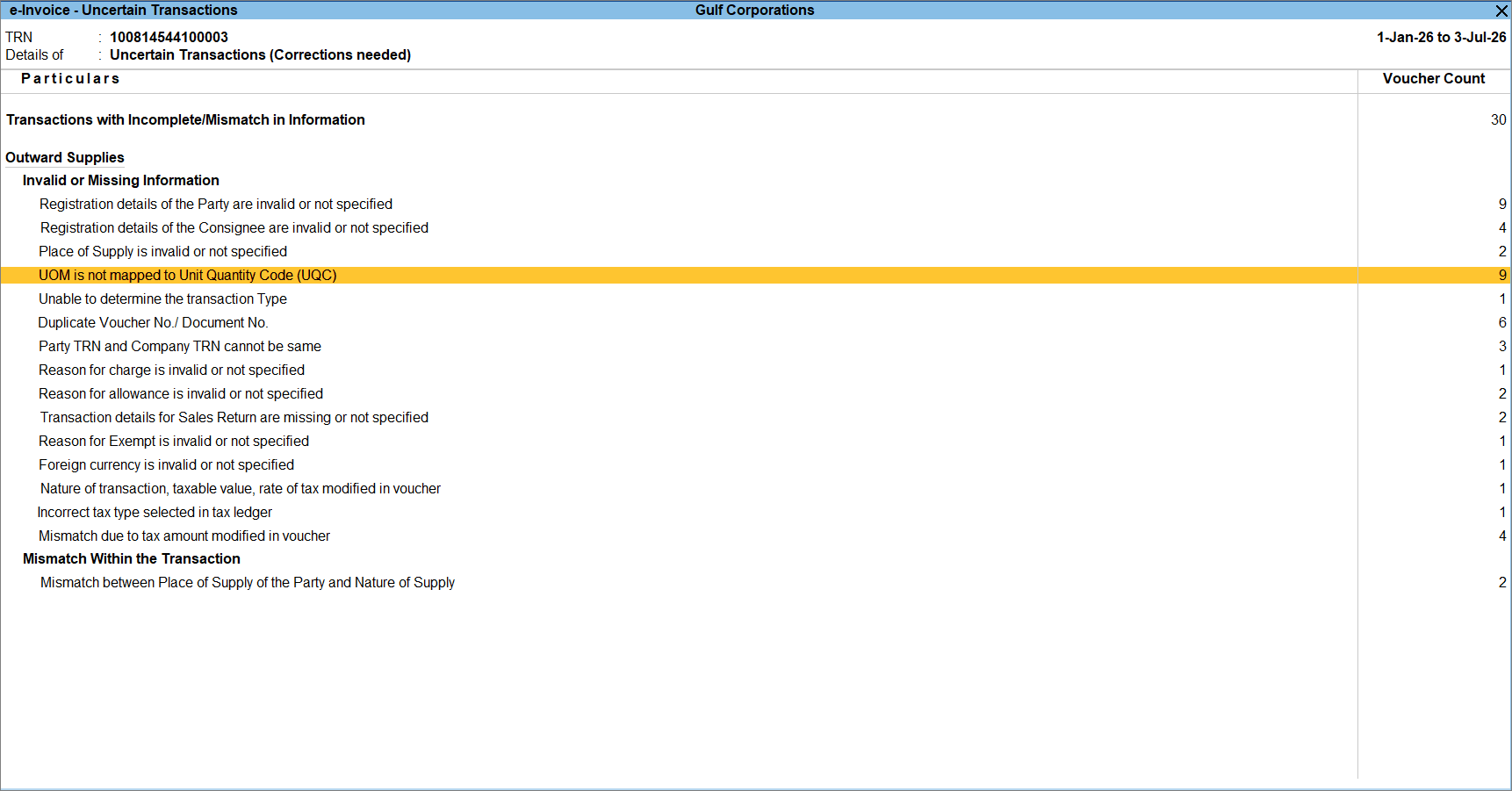
- Select the appropriate Unit Quantity Code (UQC) for the Unit of Measurement.
- Press Ctrl+A to accept the UQC.
- Press Ctrl+A again to apply the mapping to the transaction.
Is this information useful?
YesNo


