
Record TCS Exemption for Government-Listed Parties
Government-listed buyers are exempt from TCS. You can configure the party ledger as a government-listed buyer so that TCS is not calculated for transactions with such parties. To learn how to configure a government-listed buyer, refer to Configure a Government-Listed Party for TCS Exemption.
Record a Sales Transaction for a Government-Listed Party
When TCS is calculated on accrual, record the transaction using a Sales voucher.
In the Sales voucher:
- Under Party A/c name, select the government-listed buyer configured for no TCS calculation.
- Select the Sales ledger.
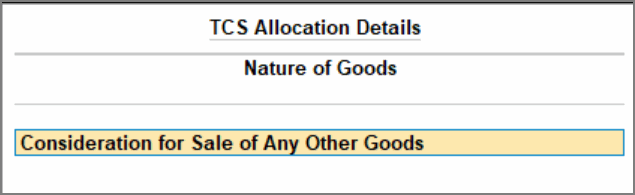
- In TCS Allocation Details, select the Nature of Goods.
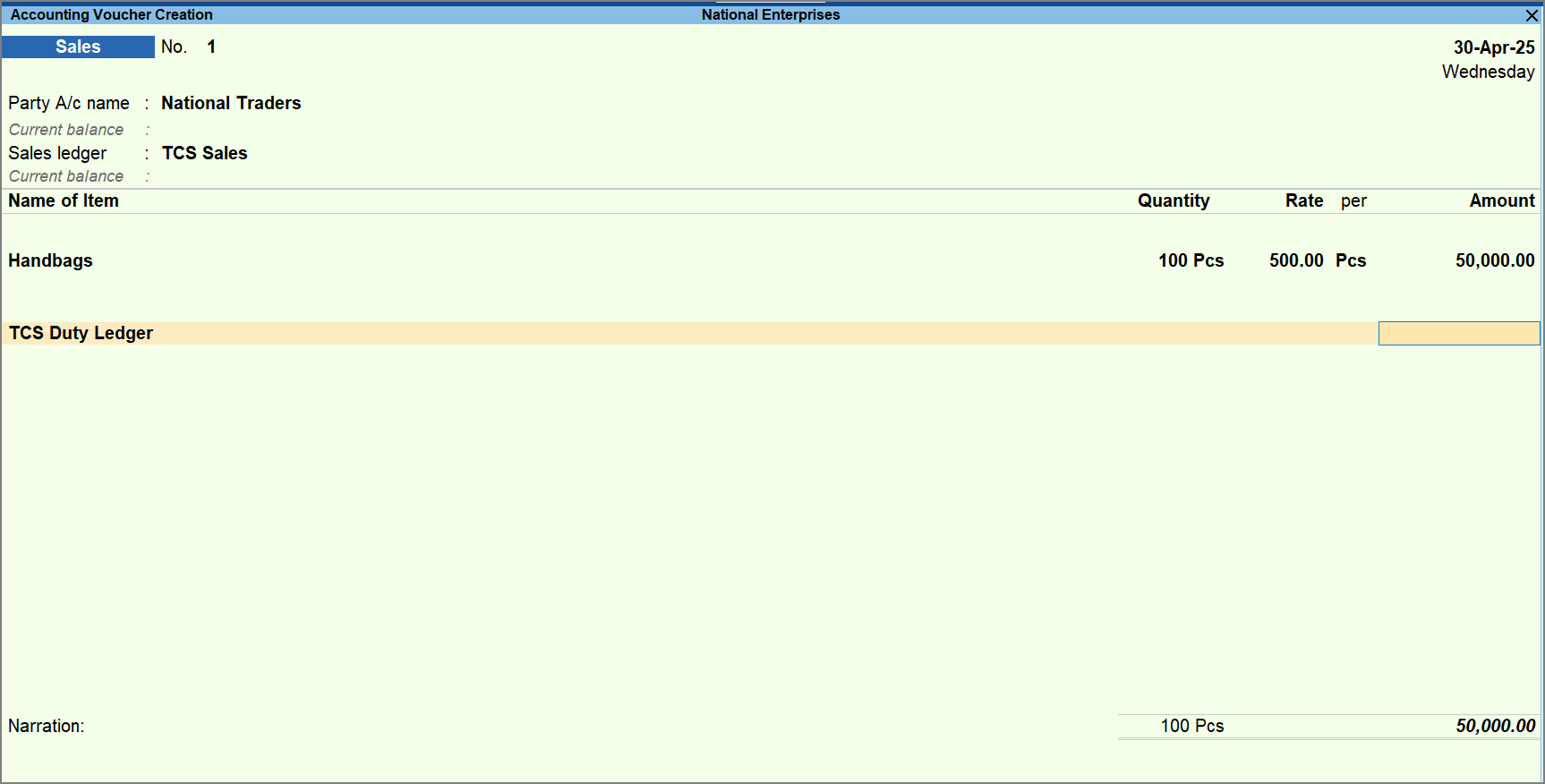
- Select the stock item and the TCS duty ledger.
TCS is not calculated even when the amount exceeds the threshold limit set for the Nature of Goods.
- Press Ctrl+A to save the transaction.
View the Transaction in Form 27EQ
- Press Alt+G (Go To).
- Type or select Form 27EQ and press Enter.
The transaction appears in Collection at Normal Rate for the amount exceeding the threshold, while the remaining amount appears under Under Exemption Limit.
Is this information useful?
YesNo


