
Set Up Currencies in Tally e-Billing
When you create a company, its base currency is created based on your selection. If you need to record transactions in foreign currencies, you can create the required currencies. You can search for a currency by its name or symbol and alter existing currencies whenever required. You can also refer to the NRB Rates while maintaining the applicable exchange rates.
- From Gateway > click Chart of Accounts > click Accounting Masters > and then click Currency.
- In the Currency screen, click Create.
- In the Currency Creation screen, enter the Symbol, ISO Currency Code, and Currency Name.
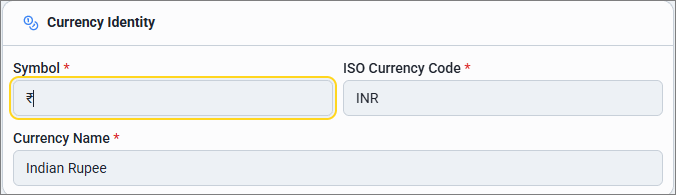
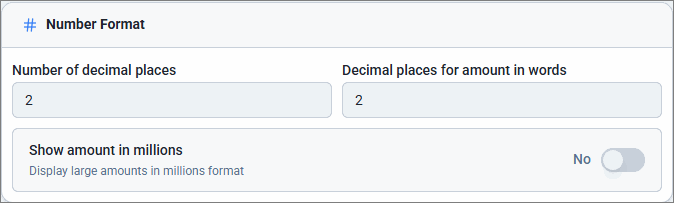
- Set the Number of decimal places and Decimal places for amount in words.
- To display amount in millions, enable Show amount in millions.
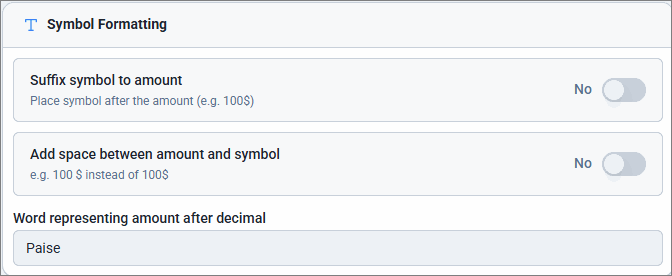
- To display the symbol after the amount, enable Suffix symbol to amount.
- To add space between the symbol and amount, enable Add space between amount and symbol.
- Set the word that will represent the amount after decimal, such as paise, cents and so on.
- Click Save.
Is this information useful?
YesNo


