
View Attendance Register in TallyPrime (Payroll)
The attendance register displays the total number of vouchers recorded in each month. You can also see the number of vouchers that are cancelled.
- Press Alt+G (Go To) > type or select Attendance Register > and press Enter.
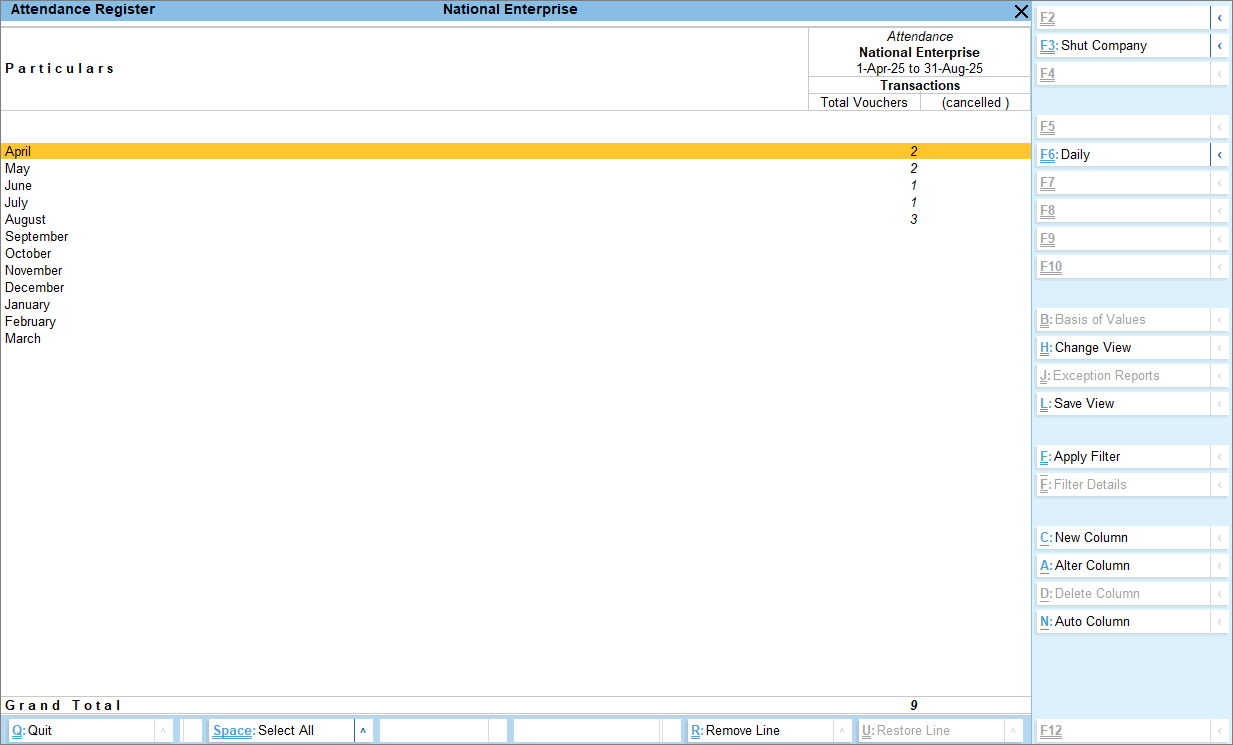
- Press F4 (Voucher Type) if you want to view the attendance register for a particular voucher type.
- Press Ctrl+H (Change View) to switch the Attendance Register from the default Monthly view to Daily, Weekly, Fortnightly, Quarterly, or Half-Yearly, based on your requirement.
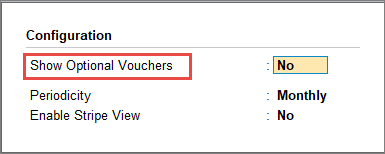
- To view the attendance vouchers recorded as Optional, press F12 (Configure) > enable Show Optional Vouchers.
You can drill down from the monthly voucher count to view the entries and modify any voucher as needed.
Is this information useful?
YesNo


