
Cheque No. is not within Cheque Range/Invalid Cheque Range/Mismatch in Cheque Range
Resolution
- Drill down from the exception to open the Payment voucher.
- Continue to press Enter in the voucher to open the Bank Allocations screen.
- Update the Cheque Range and the Instr No. and save.
- Ensure that the Instr No. is updated as per the Cheque Range provided.
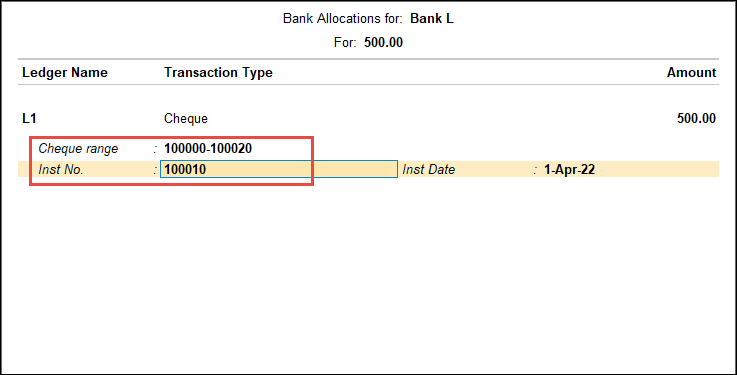
- Ensure that the Instr No. is updated as per the Cheque Range provided.
- Press Ctrl+A to save the voucher.
Is this information useful?
YesNo


