
Adjust Advance Received in Sales Invoice in TallyPrime (KSA)
If you have received an advance from a customer and generated an e-Invoice for it, you can adjust the advance against the final sales invoice.
This helps accurately account for the advance amount while generating the sales e-Invoice.

- Ensure that you have enabled the Maintain balances bill-by-bill option in the party ledger.

In a sales voucher (Item Invoice mode):
- Set Show e-Invoice details: Yes and specify the Integration or Generation phase e-Invoice details in the e-Invoice Details screen, as needed.
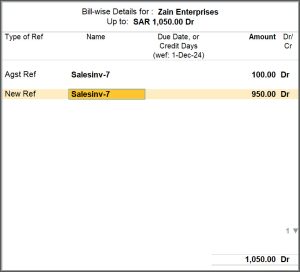
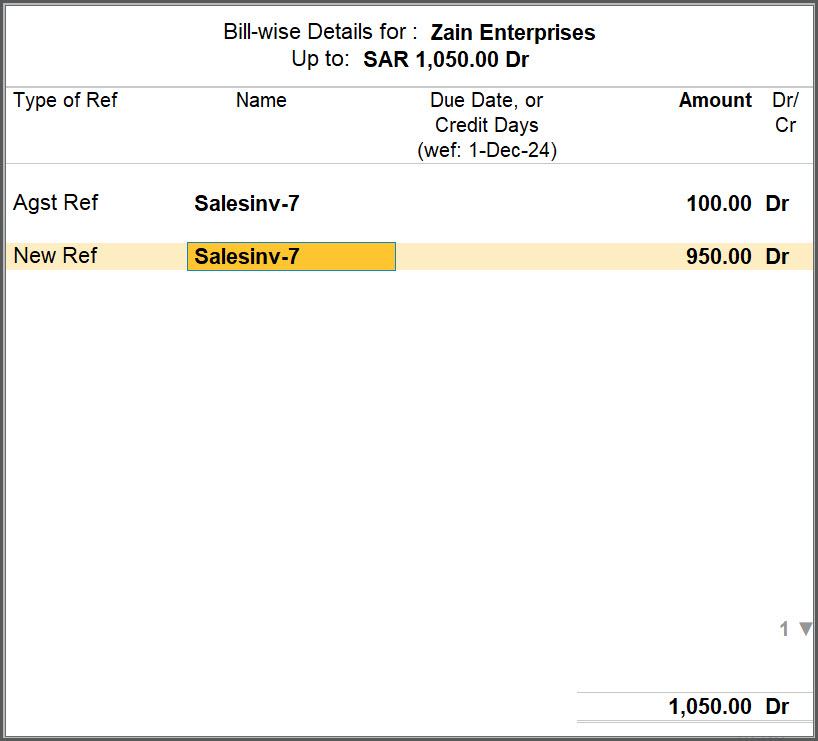
- Enter the reference of advance received in the Bill-wise Details screen.
- Press Ctrl+A to save the voucher.
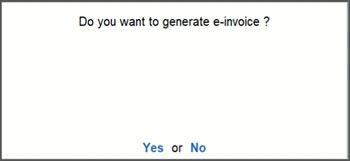
- Press Y or select Yes to generate the e-Invoice.
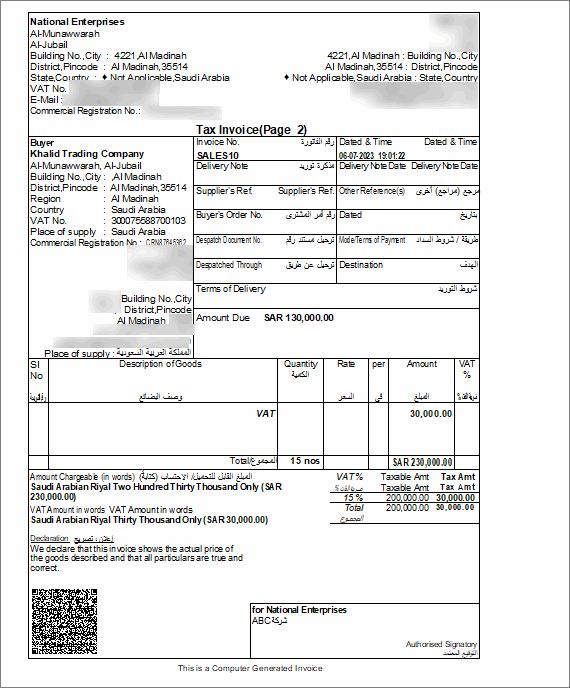
After generating the e-invoice, you can check the PDF A3 format file embedded with XML in the archived location of e-Invoices.
Is this information useful?
YesNo


