
View E-Challan Return (ECR) in TallyPrime (Payroll)
The Electronic Challan cum Return (ECR) is a plain text electronic return. From April 2012, employers of EPF-covered establishments can file ECR, eliminating the need to submit physical returns such as Forms 5, 10, 12A, 3A, and 6A. You can also capture an employee’s non-contribution days for a month by recording an attendance voucher and generating the ECR file.
- Gateway of Tally > Display More Reports > Statutory Reports > Payroll Reports > Provident Fund > E-Challan Cum Return (ECR).
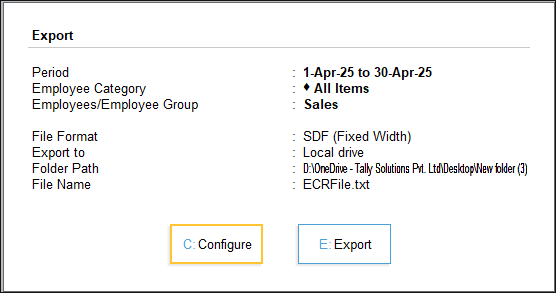
- In the E-Challan Return (ECR) screen, press C (Configure) to modify the Export Configuration or E (Export).
The ECR file will be created in the TallyPrime installation folder. - Open the .txt ECR file from the TallyPrime installation folder.
- Upload the ECR file on the ECR portal on the Employees’ Provident Fund Organisation of India website to capture the employee’s PF contribution.
Is this information useful?
YesNo


