
Incorrect Tax Type Selected in Tax Ledger
Cause
This exception appears when the tax type defined in the tax ledger is not valid for GST reporting.
Resolution
- Select Incorrect tax type selected in tax ledger from the exceptions list and press Enter.
- Select the correct Tax Type for each transaction.
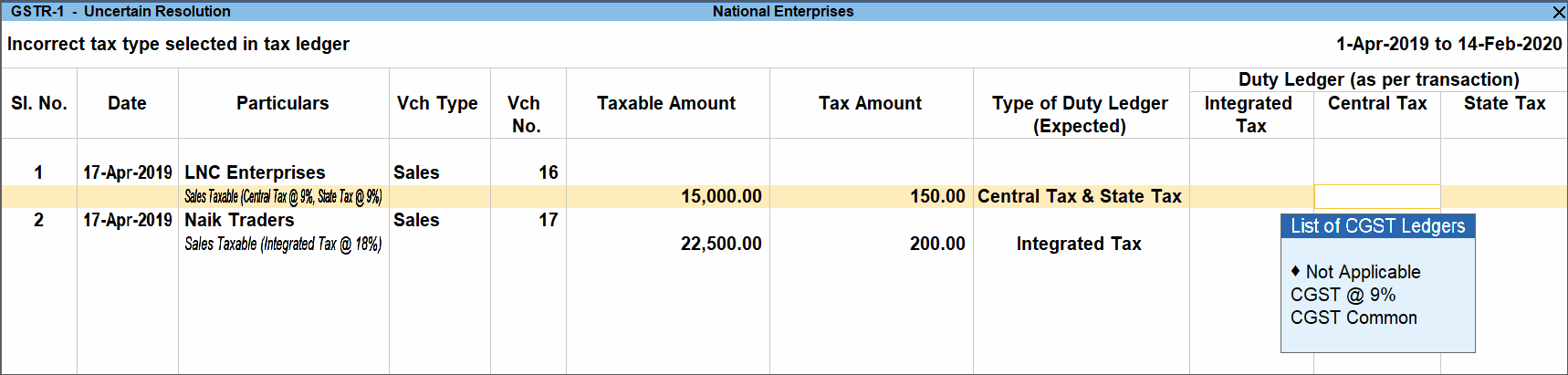
- Press Ctrl+A to save.
Is this information useful?
YesNo


