
Vouchers with Incomplete or Incorrect Adjustment Details
Cause
This occurs when the Nature of Adjustment or Additional Details are not specified correctly.
Resolution
- Select Vouchers with incomplete/incorrect adjustment details, and press Enter.
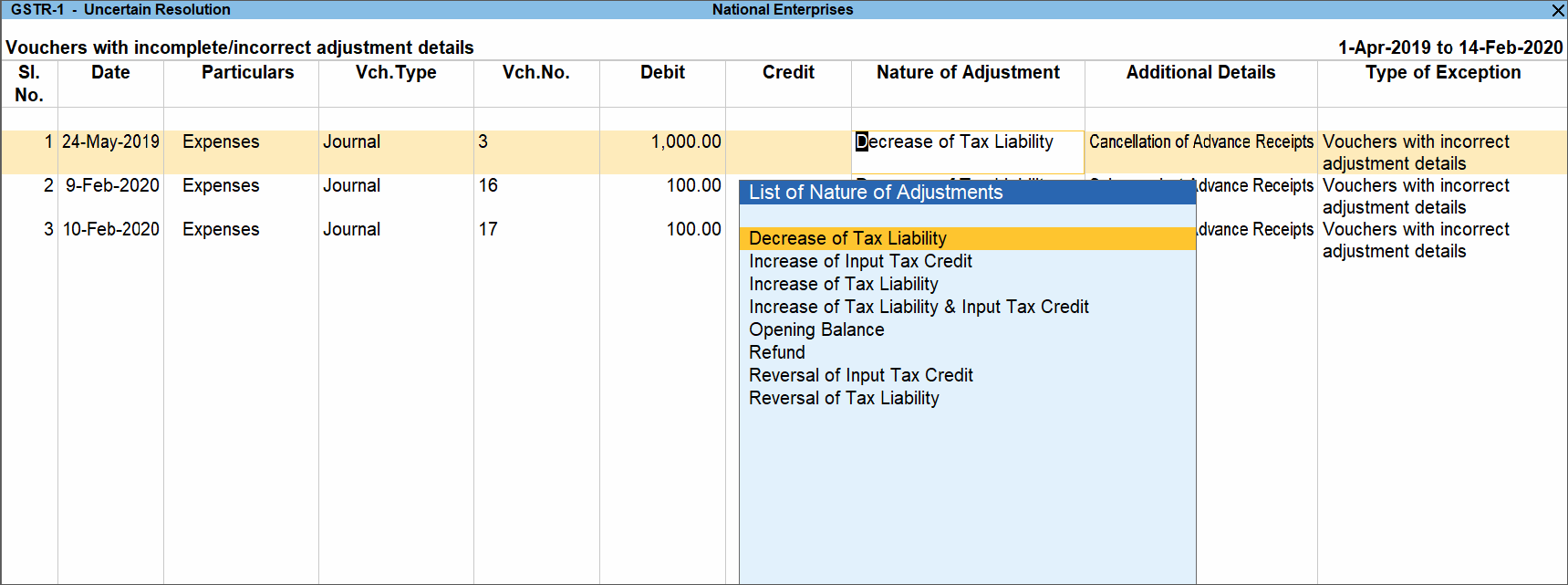
- Select the correct Nature of Adjustment and enter the Additional Details.
- Accept the screen. As always, you can press Ctrl+A to save.
Is this information useful?
YesNo


