
View and Reconcile IMS Inward Potential Matches
Despite taking all precautions, some GST transactions may remain unreconciled due to minor differences in Date, GSTIN, or Doc No. The IMS Inward Supplies report in TallyPrime intelligently identifies such transactions where most key details match, like Taxable and Tax Amount, apart from minor differences in the Date, GSTIN, and Doc No.
These potential matches are grouped under sections and you can either update the details manually or choose to copy details and update the transactions so that they can be reconciled.
In this section
To view potential matches,
- Press Alt+G (Go To) > type or select Invoice Management System, and press Enter.
- Drill down from the required section to the IMS Inward – Voucher Register.
- Press F8 (Potential Matches) to view the IMS Inward – Potential Matches report.
- Press T to Continue with the selected period in the IMS Inward Supplies report, or press P to Change Period, if required.
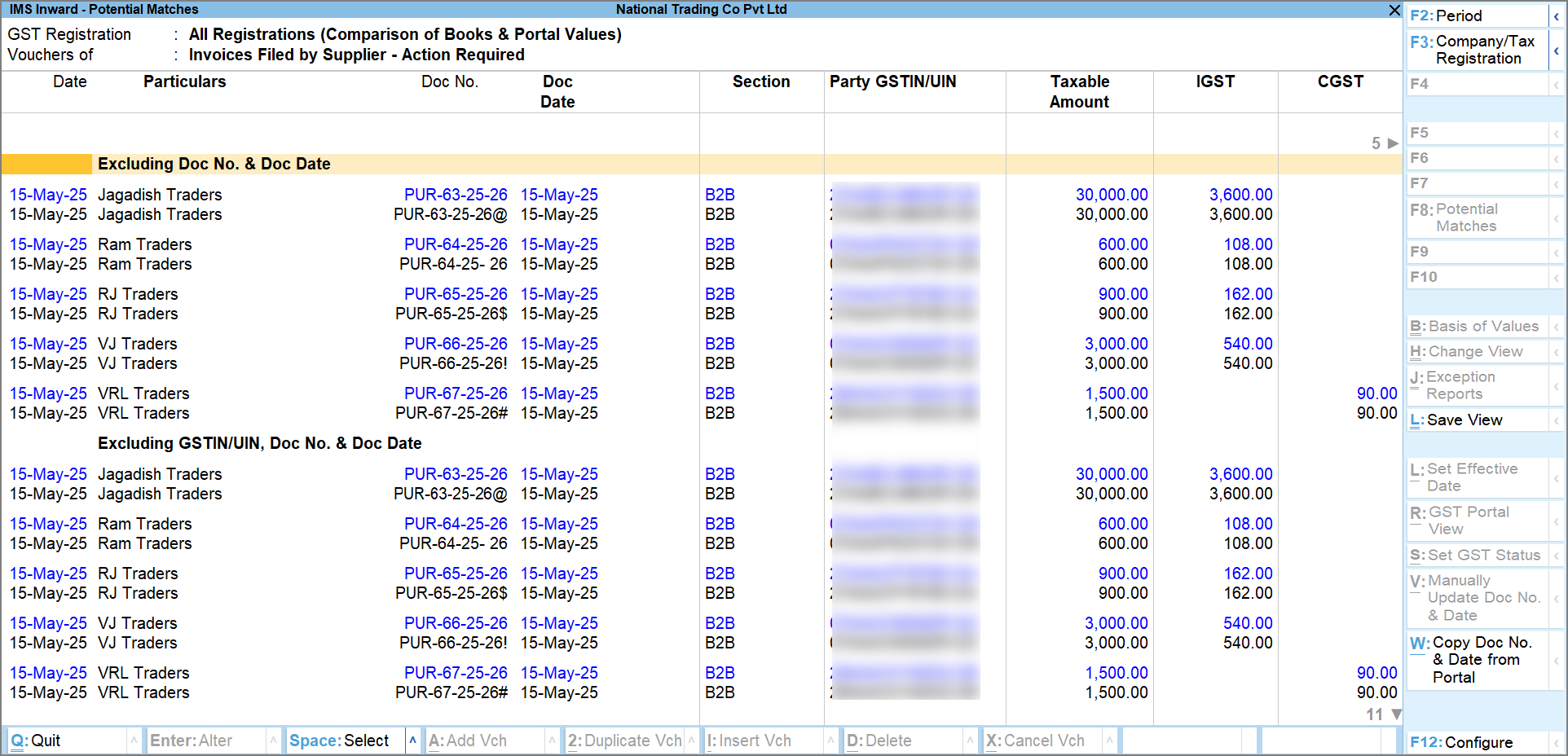
You can view the Potential matches grouped under Excluding Doc No. & Doc Date and Excluding Party GSTIN/UIN, Doc No. & Doc. Date.
Excluding Doc No. & Doc Date
Under this section, you can view the transactions that are similar in all aspects except the Doc No. and Doc Date, which might appear correctly on the portal but not in your books (B2B), and vice versa.
For example, let us take the following transactions recorded for Ram & Co. Pvt Ltd.

Resolve the differences automatically
-
Press Spacebar to select the portal transaction, and then press Alt+W (Copy Doc No. & Date from Portal) to copy the document number and document date from the portal.
-
Press Y to continue.
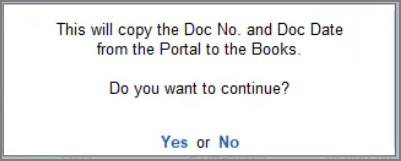
The transaction will move to the Reconciled section.
Resolve the differences manually
-
Press Spacebar to select the book transaction, and then press Alt+V (Manually Update Doc No. & Date).
-
Update the details manually and press Ctrl+A to save the Supplier’s Doc No. & Date.
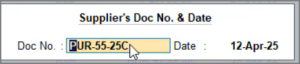
The transaction will move to the Reconciled section.
Excluding Party GSTIN/UIN, Doc No. & Doc Date
Under this section, you can view the transactions that are similar in all aspects except the Doc No. and Doc Date, and GSTIN/UIN of the party, which might appear correctly on the portal but not in your books (B2B), and vice versa.
Note that you can update only the document number and date from the IMS Inward Supplies – Potential Matches report. The GSTIN/UIN must be updated manually in the transaction.
To update the GSTIN/UIN:
-
Drill down from the book voucher, and in Party Details, update the GSTIN/UIN.
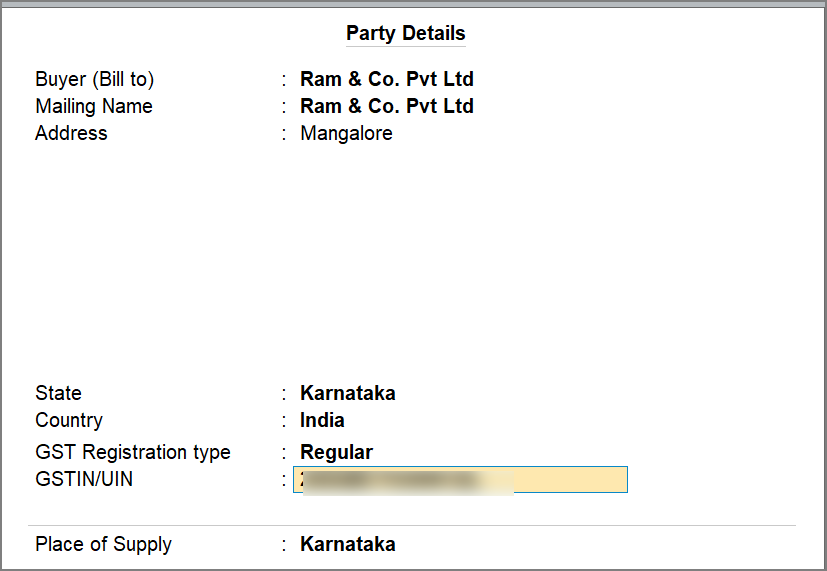
The transaction will move to the Reconciled section.
Questions & Answers
- Can I filter the IMS – Potential Matches based on the groupings available in the report?
No, you cannot filter the IMS – Potential Matches report based on the groupings available in the report. However, you can press Shift+Enter to show or hide specific groups. - Can I link multiple book entries to one portal entry or vice versa?
No, linking multiple book invoices to one portal invoice (or vice versa) is not possible. - Why is the “Manually Update Doc No. and Date” right-button greyed out?
Manually updating the document number and date is only available for book invoices and is not for portal invoices. Hence, the button will be active only when the cursor is on a book invoice.


