
View Payroll Statement in TallyPrime
The Payroll Statement report allows you to view details for a specific Pay Head or Ledger.
- Gateway of Tally > Display More Reports > Payroll Reports > Payroll Statement.
- Select the appropriate Pay Head from the List of Pay Heads.
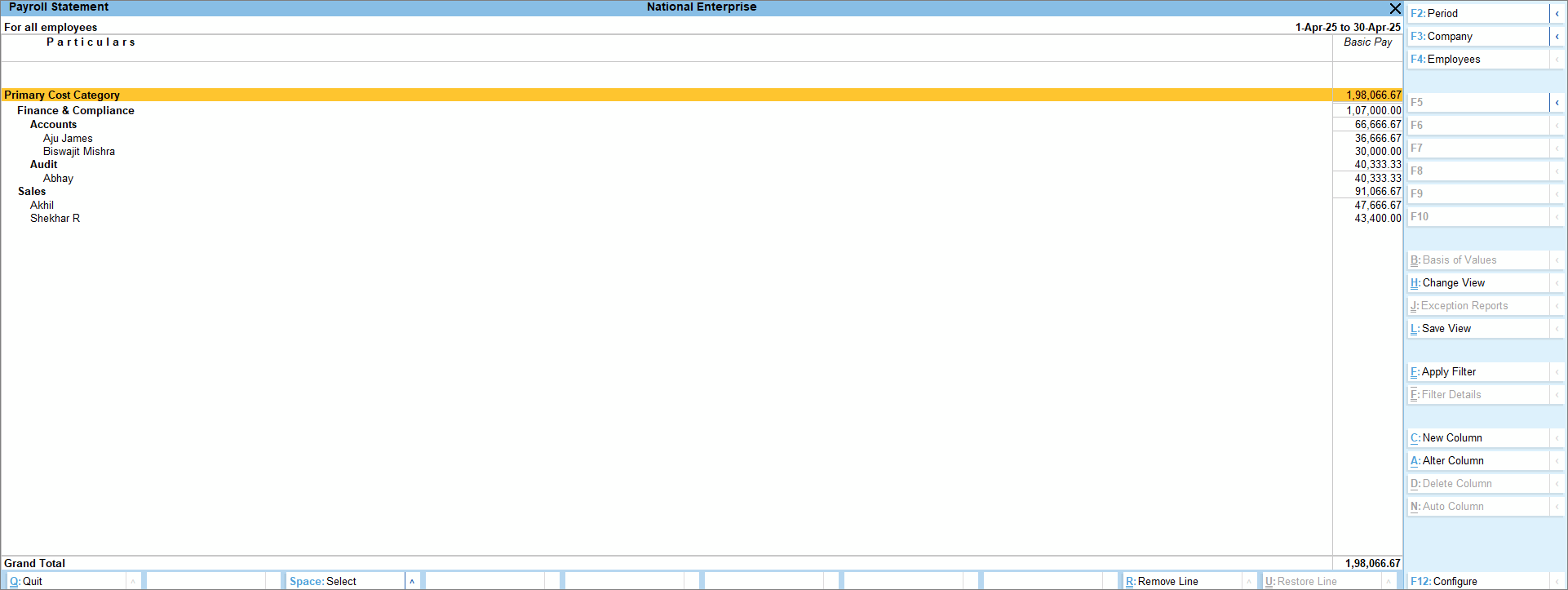
- Press F4 (Employees) to select any specific employee category or group.
- To view the related reports, like Employee Pay Head Breakup and Ledger Cost Centre Breakup, press Ctrl+H (Change View).
Is this information useful?
YesNo


