
View PAN Not Available Report in TallyPrime (Payroll)
For computing tax correctly, its necessary that you specify the PAN number for all the employees. The tax will be computed at higher rate if the PAN number for the employee is not provided. You can check the information of employees for whom the PAN is not provided from PAN Not Available screen.
- Press Alt+G (Go To) > type or select Employees Without PAN.
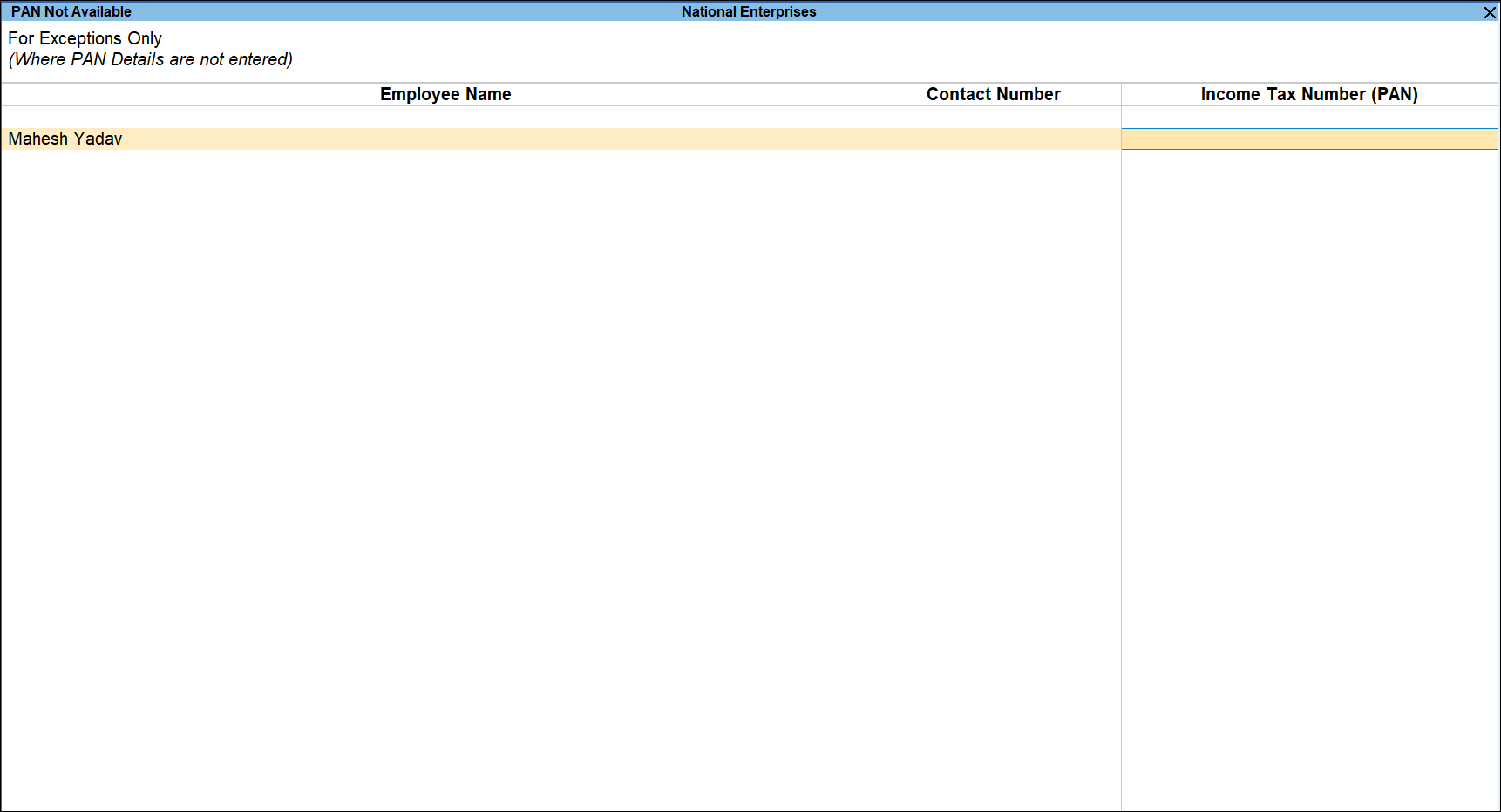
The above report displays the employees for whom the PAN is not specified in the employee master. - Specify the PAN for all such employees in the Income Tax Number (PAN) field.
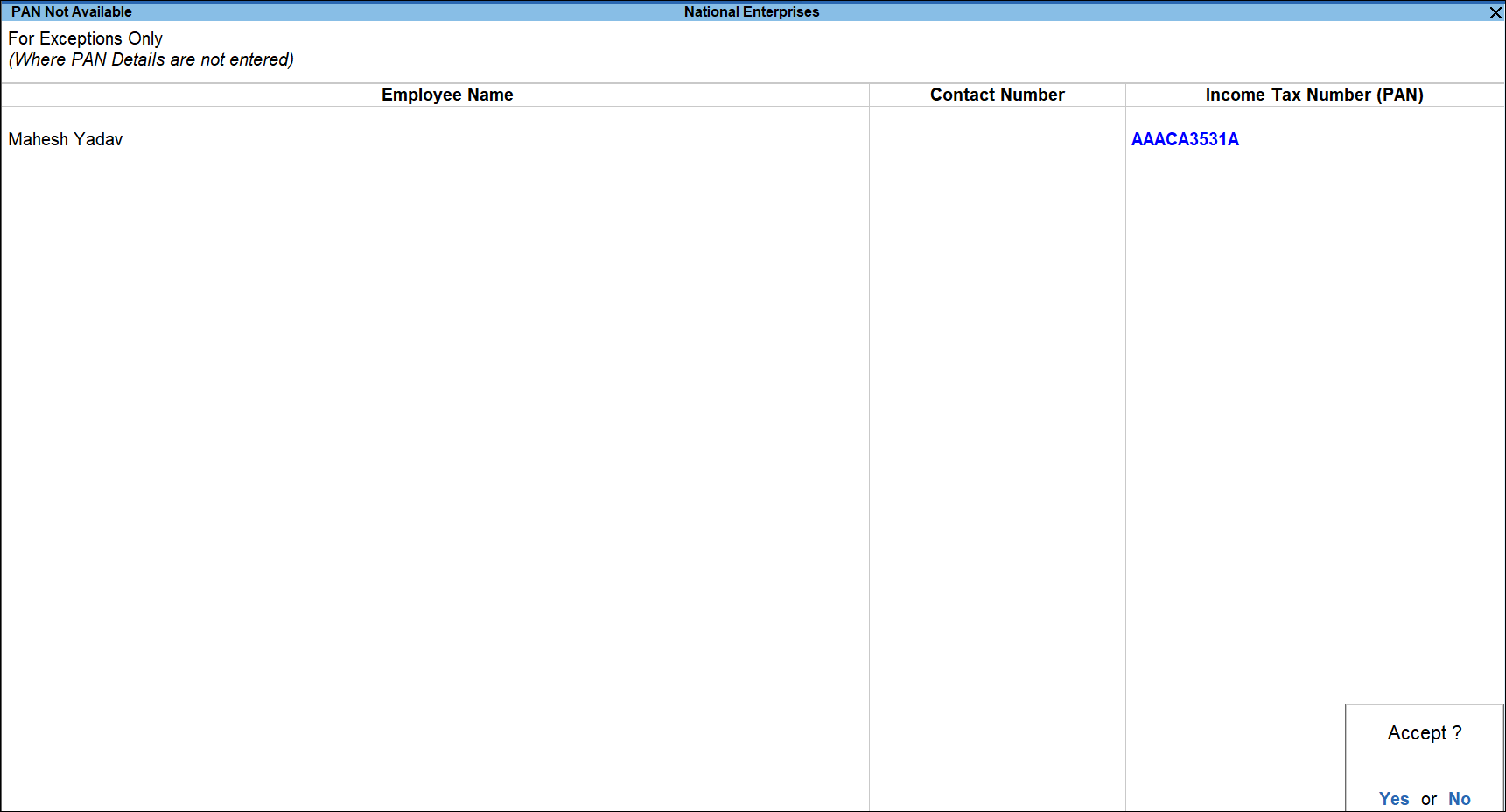
When the PAN is not available, enter one of the terms given below as the Income Tax Number (PAN), based on the corresponding reason:
- PANAPPLIED – If the employee has given a declaration stating that he/she has applied for PAN, but are yet to receive the same.
- PANINVALID – If the PAN format provided by the employee is incorrect.
- PANNOTAVBL – If the employee has not given any declaration or PAN number.
- To view the list of all employees with or without PAN details, press F8 (All Employees).
- Press Ctrl+A to save.
Is this information useful?
YesNo


