
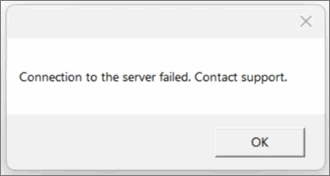
Connection to the server failed. Contact support
Cause
This error appears when you click Connect in the TPCA Client after logging in, and the RDP/MSTSC is not installed on the local computer.
Resolution
- Install the Remote Desktop Protocol (RDP) application on your computer.
- Download and install the RDP application on your computer.
- Install the application by following the on-screen instructions.
- After installation, reopen the client and click Connect.
Is this information useful?
YesNo


