
e-Way Bill Rejected due to Invalid Transporter ID, Incorrect Part B Details, or e-Way Bill Cancellation for Multiple Transactions
Cause
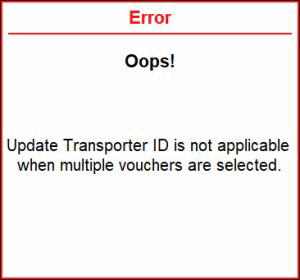
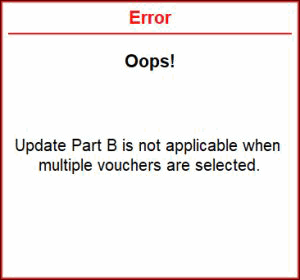
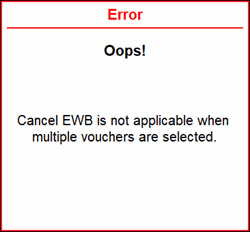
You may encounter the following errors, when you have selected multiple transactions in the e-Way Bill – Voucher Register report to update the details related Transporter ID, Part B, or e-Way Bill cancellation.
- Update Transporter ID is not applicable when multiple vouchers are selected.
- Update Part B is not applicable when multiple vouchers are selected.
- Cancel EWB is not applicable when multiple vouchers are selected.
Resolution
- Press Alt+G (Go To) > e-Way Bill Register.
Alternatively, Alt+G (Go To) > e-Way Bill > F5 (EWB Register). - In the e-Way Bill Register screen, select the one or more transactions using spacebar to update any of the following details, as required.
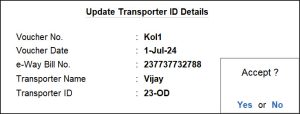
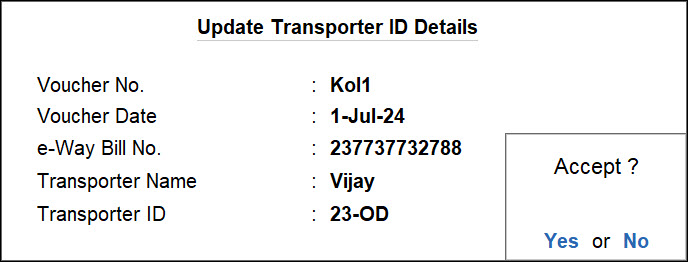
- Press F8 (Update Transporter ID), and in the Update Transporter ID Details screen, enter the Transporter ID.
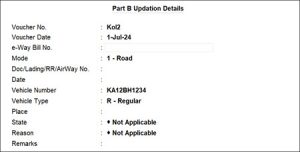
- Press F7 (Update Part B), and in the Part B Updation Details screen, enter the required details.
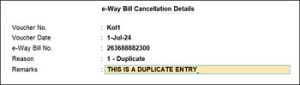
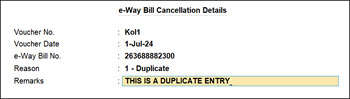
- Press F10 (Cancel EWB), and in the e-Way Bill Cancellation Details screen, enter the required details.
- Press F8 (Update Transporter ID), and in the Update Transporter ID Details screen, enter the Transporter ID.
- Press Ctrl+A to save.
Is this information useful?
YesNo


