Set Up UDYAM Details for MSME Suppliers in TallyPrime
The businesses purchasing goods and services from MSMEs can set up the status of the supplier as MSME. This sets reminders to make payments on time to all such parties and avoid paying interest for late payments. This also enables you to create and file returns quickly with all the details of payments to MSMEs. You can update the UDYAM details for a single MSME supplier or multiple suppliers together.
Set MSME UDYAM Details for a Single Party
In the party ledger:
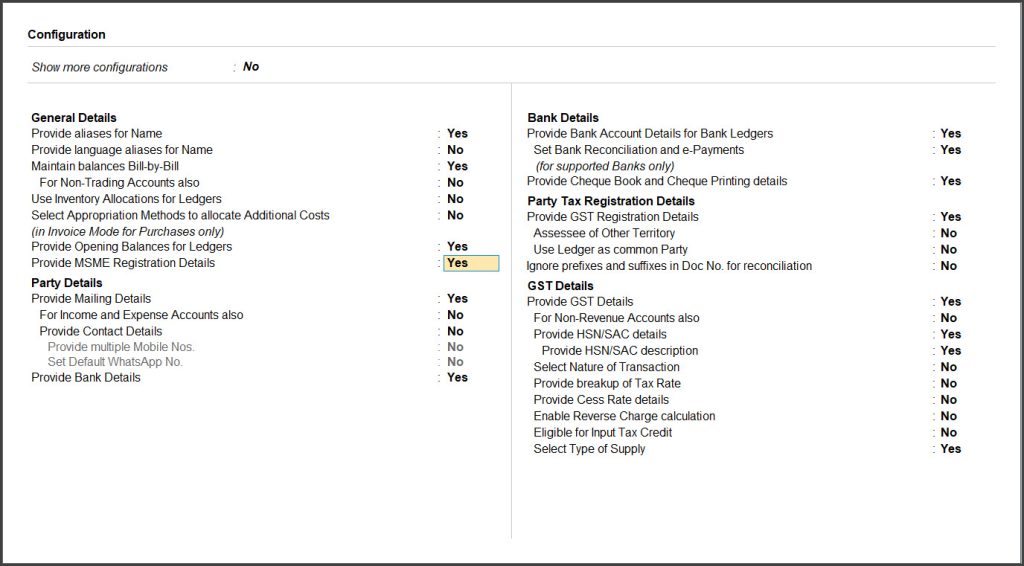
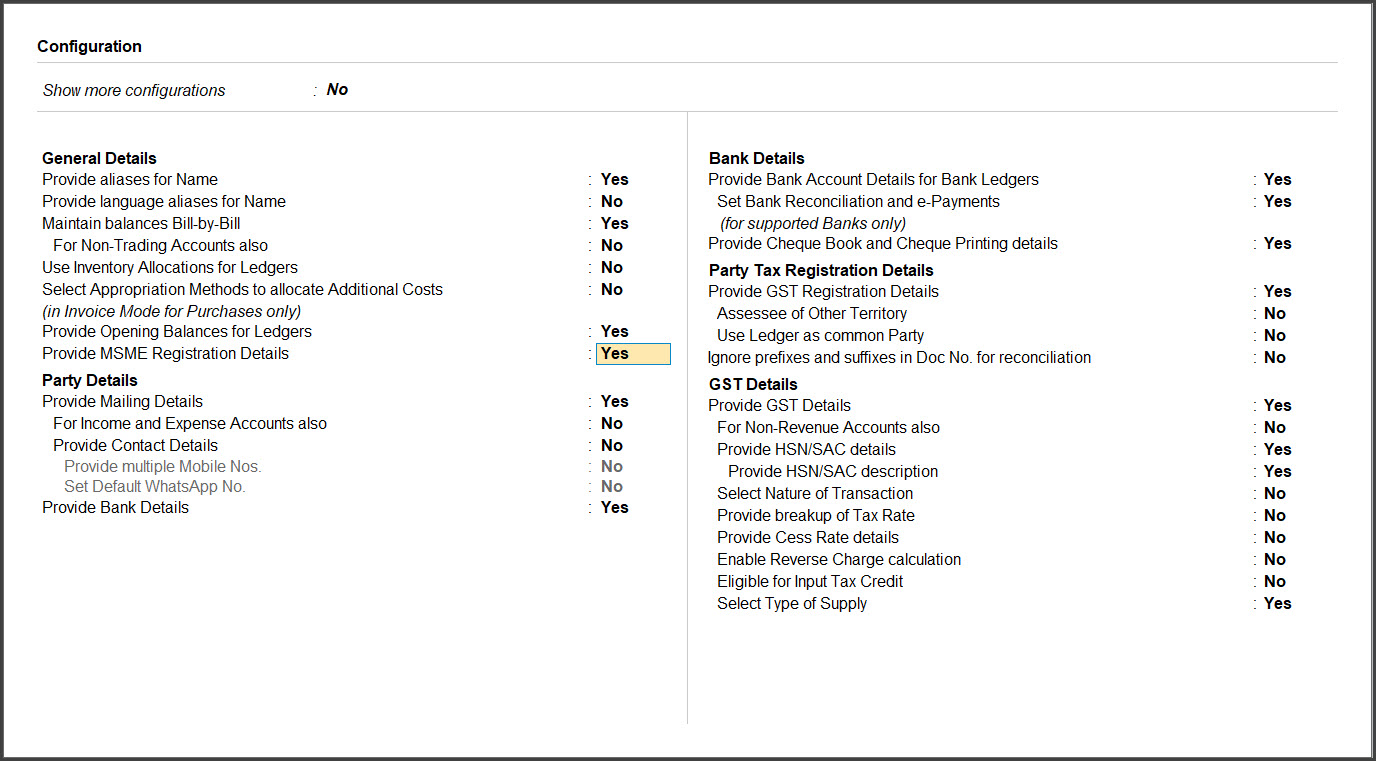
- Press F12 (Configure) > enable Provide MSME Registration Details.
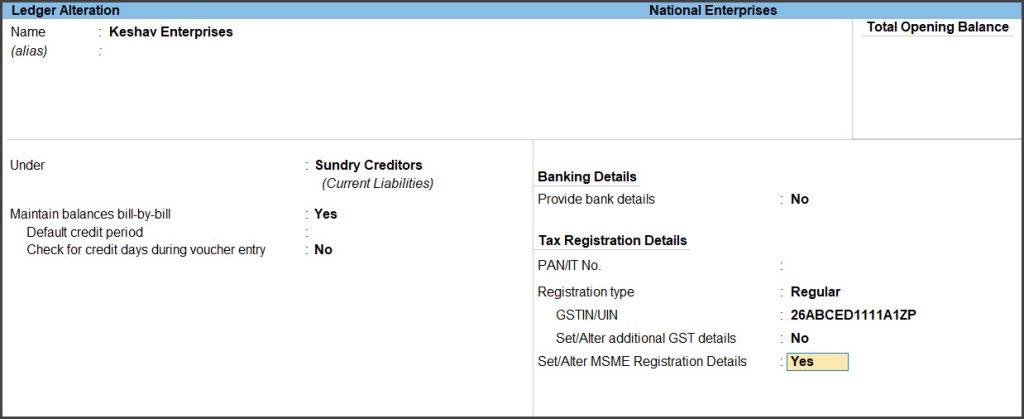
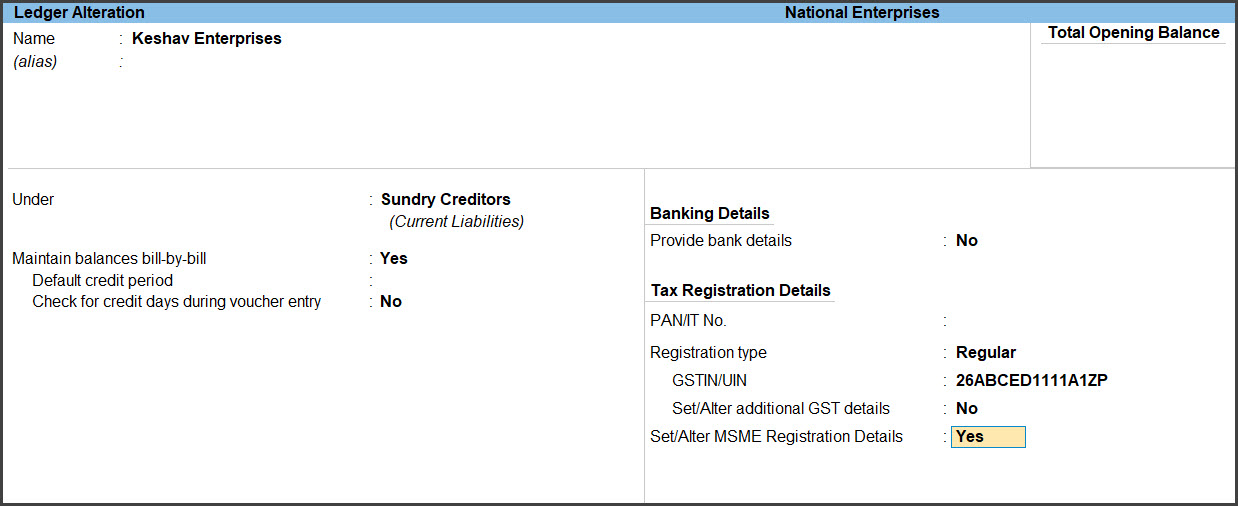
- Enable Set/Alter MSME Registration Details.
- Provide the MSME Registration Details.
- Select the enterprise type of the party in the Type of Enterprise field.
- Enter their UDYAM Registration Number.
- Select the Activity Type from the Type of Activity list.

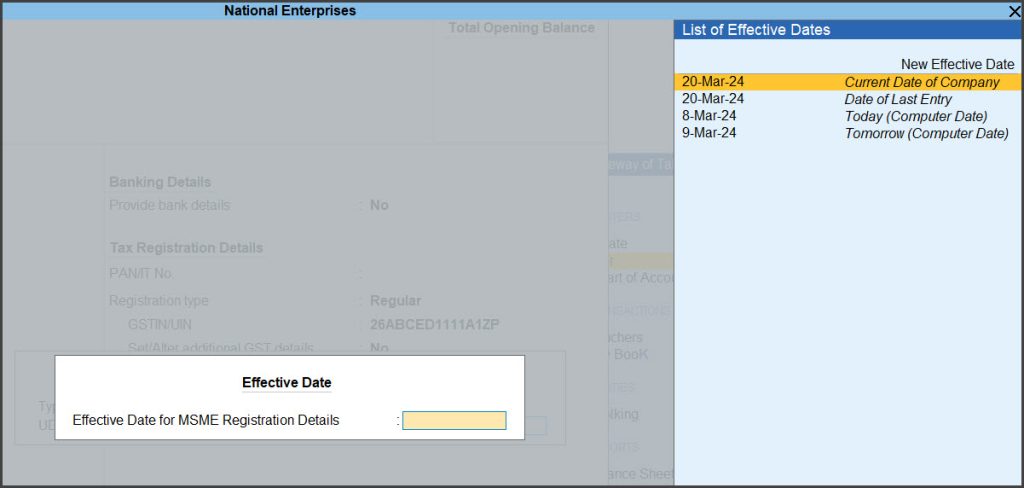
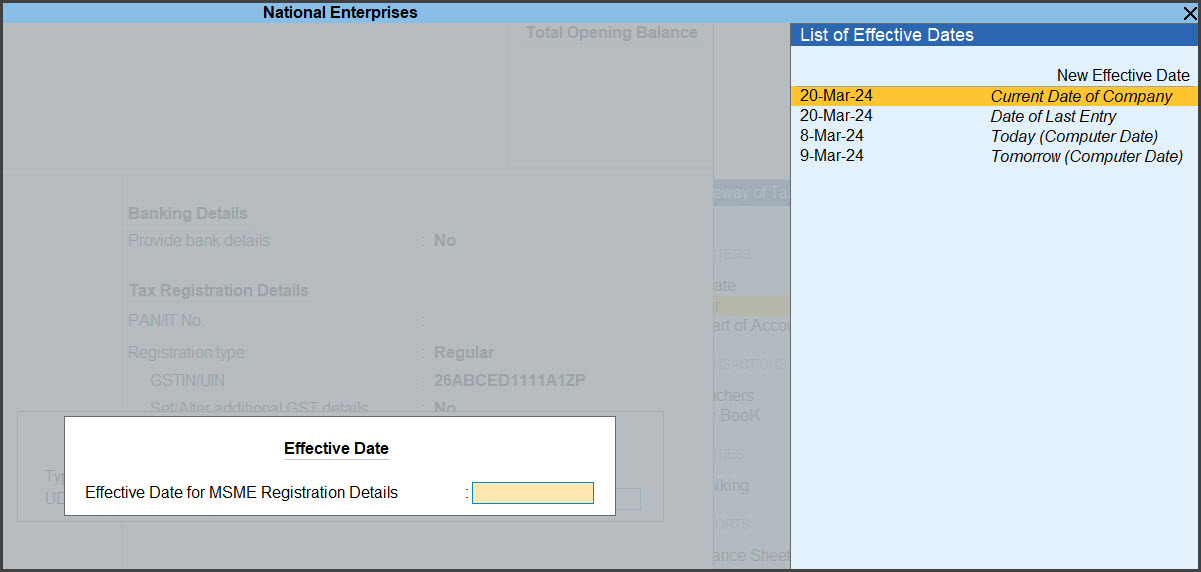
- Enter the Effective Date for MSME Registration Details and press Enter.
- Press Ctrl+A to save the ledger master.
Update UDYAM Details for Multiple MSME Suppliers
TallyPrime provides option to update the UDYAM Details of multiple suppliers at once. This will help you update MSME details of all your MSME suppliers in one go.
- Press Alt+G (Go To) > type or select Update Party MSME Details.
- Select a specific group or All items in the Name of Group field.
- Select a specific ledger or All items in the Name of Ledger field.
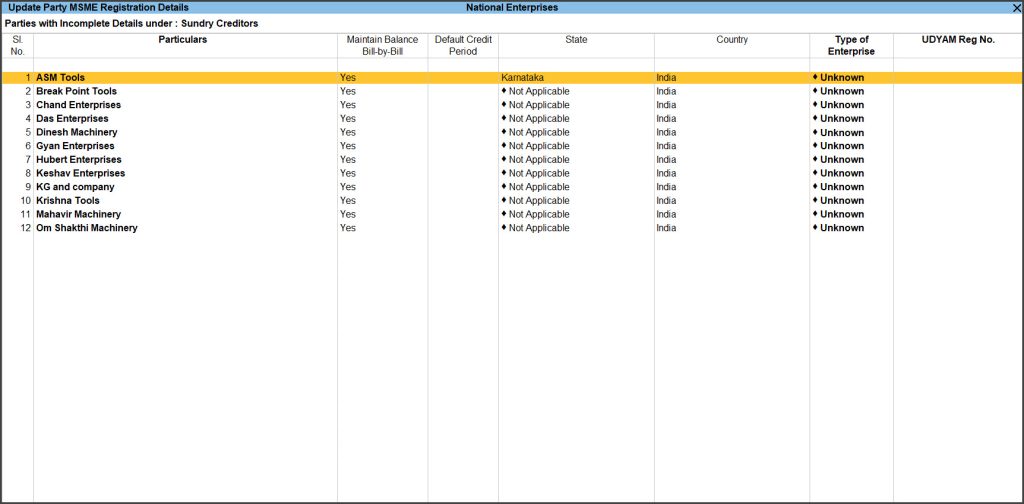
- Provide the UDYAM Details.
- For each party one after the other:
- Select the party to update the UDYAM details and press Alt+H (Update MSME Details).
- Select the Type of Enterprise and enter UDYAM Reg No. of the party.
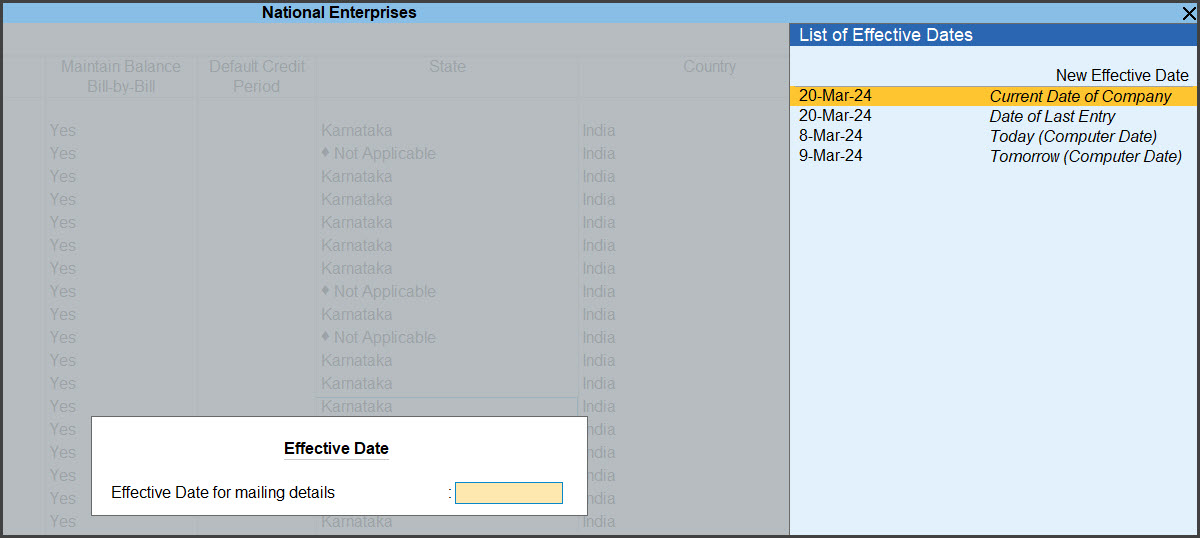
- Enter the Effective Date for Revised MSME Registration Details to apply the UDYAM details from that date.

- Press Enter or Y to save the UDYAM Details for the party.
- For multiple parties from the same screen
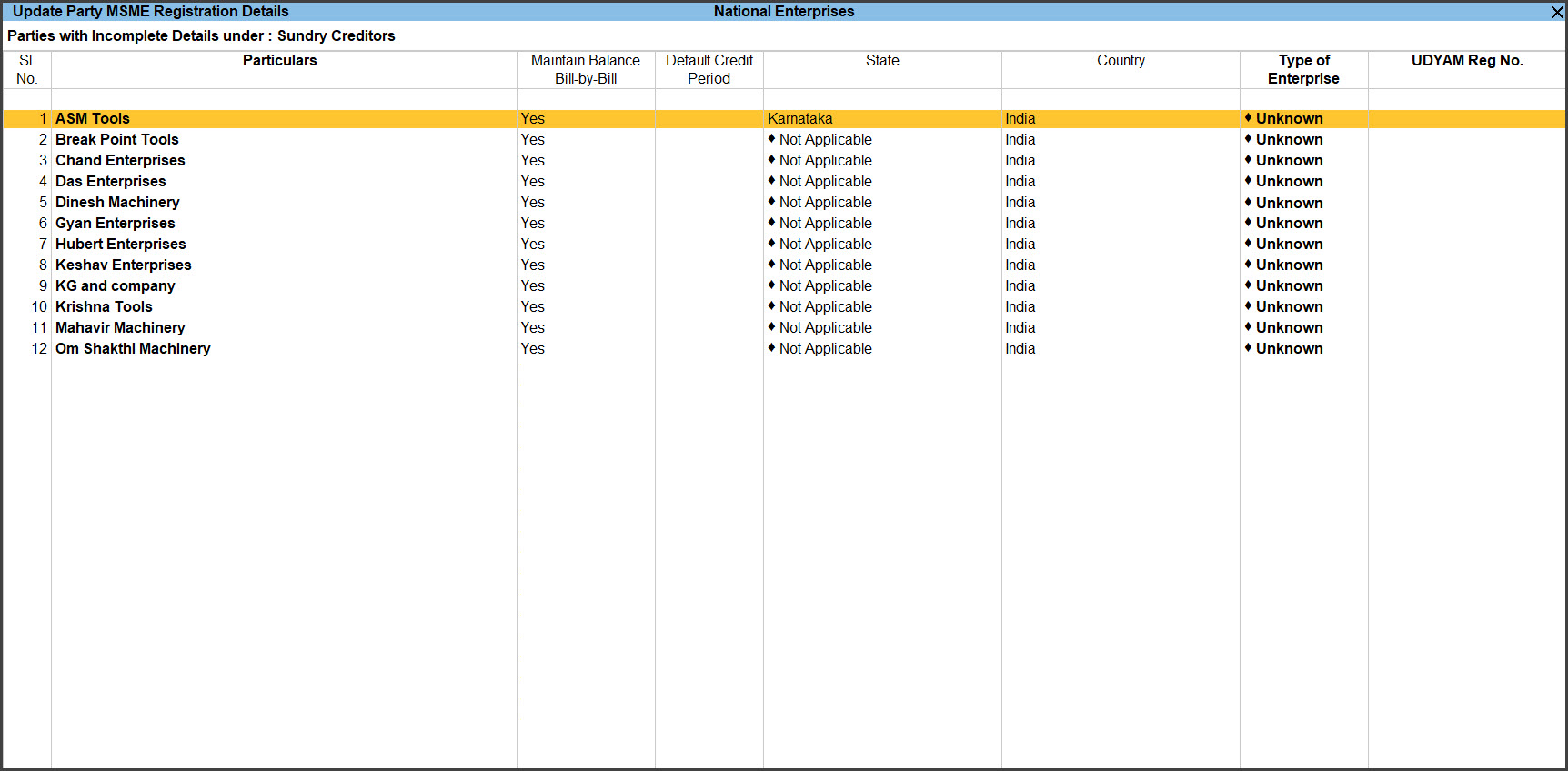
- Press Alt+R (Multi Alter).
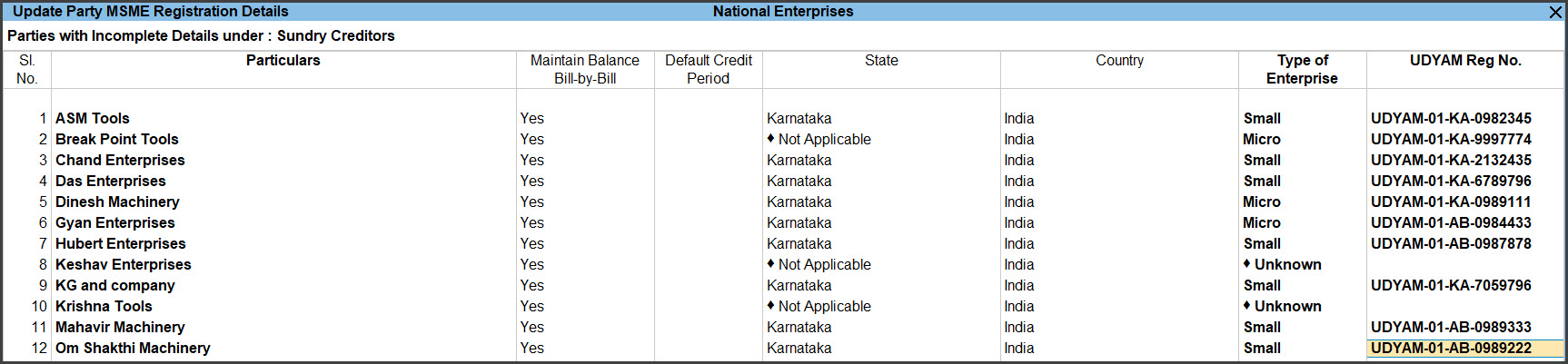
- You can enter Default Credit Period, Type of Enterprise, and UDYAM Reg No. in the respective columns for any party.
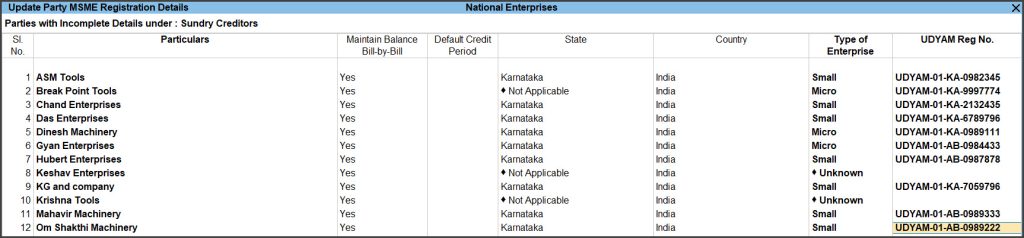
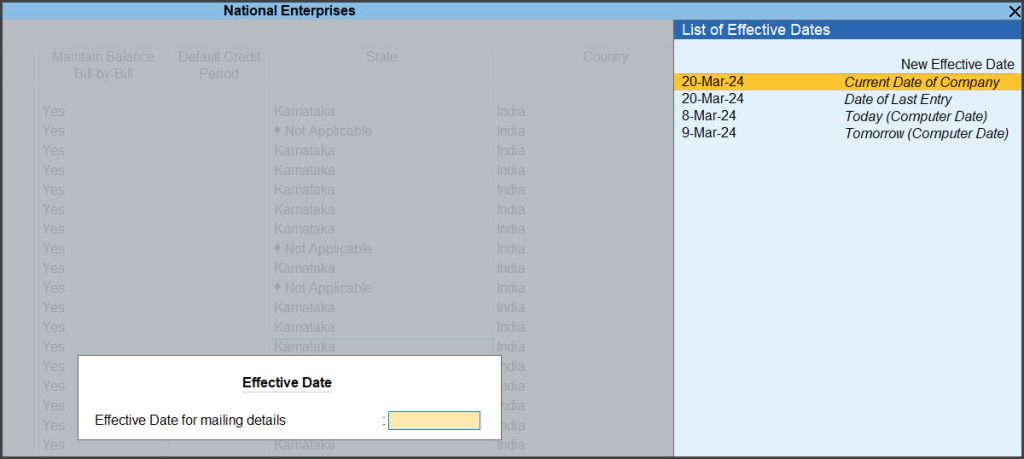
- Enter Effective Date for each party that you alter.
- Press Ctrl+A to save the details.
- For each party one after the other:
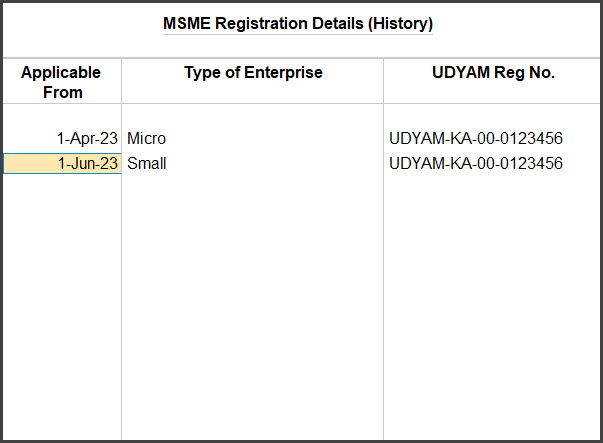
MSME Registration Details History
In case you make the change to you registration details due to change in the enterprise type or other such updates, and provide effective date for such changes to be applicable from, then all such changes are recorded and can be accessed from the history.
You can view the history of changes made to MSME registration details.
- Press Ctrl+I (More Details).
- Select MSME Registration Details (History)