
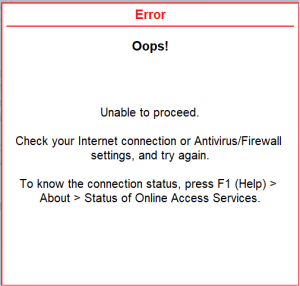
Unable to proceed. Check your Internet connection or Antivirus/Firewall settings, and try again.
Cause: This error appears when your system has no internet connection, or when AWS/Backup services required for TallyDrive are temporarily unavailable.
Resolution:
-
Ensure your system is connected to a stable internet network, and try again.
-
Check whether Tally’s Online Access Services are operational using the status link here.
- Press F1 (Help) > About > press Enter on Status of Online Access Services.
- Press Y to continue.
You can view the status of Auto-Backup (TallyDrive) Service under Tally Services.
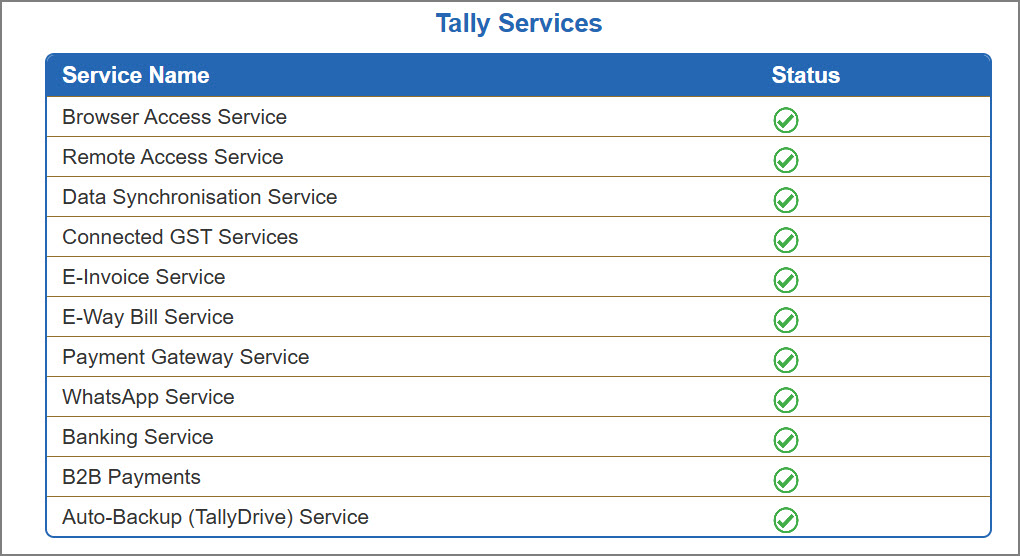
If the services are down, wait for them to be restored and retry the operation.
Is this information useful?
YesNo


