
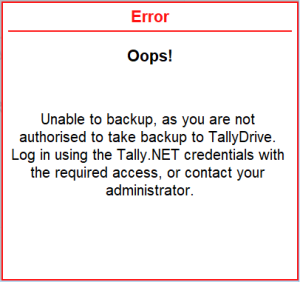
Unable to backup, as you are not authorised to take backup to TallyDrive.
Cause: This error appears when you do not have the required rights to take backups to TallyDrive.
Resolution:
As a standard user, you can ask the administrator to give you the rights to take backup to TallyDrive.
As an administrator, you can check the user’s status and permissions in the Customer Portal, and ensure the user is active and approved for TallyDrive access.
- Open the TallyDrive Management report.
- Press Alt+Y (Backup & Restore) > Manage TallyDrive.
- Log in to TallyDrive using your Tally.NET ID and Password.
- Press F7 (Manage User Rights) and select the Tally.NET ID of the required user.
- Under Permissions for TallyDrive Backup and Restore, give the required permissions.
To learn more about TallyDrive user rights, refer to How to Approve User Access and Manage User Rights to TallyDrive in TallyPrime Server.
Is this information useful?
YesNo


