
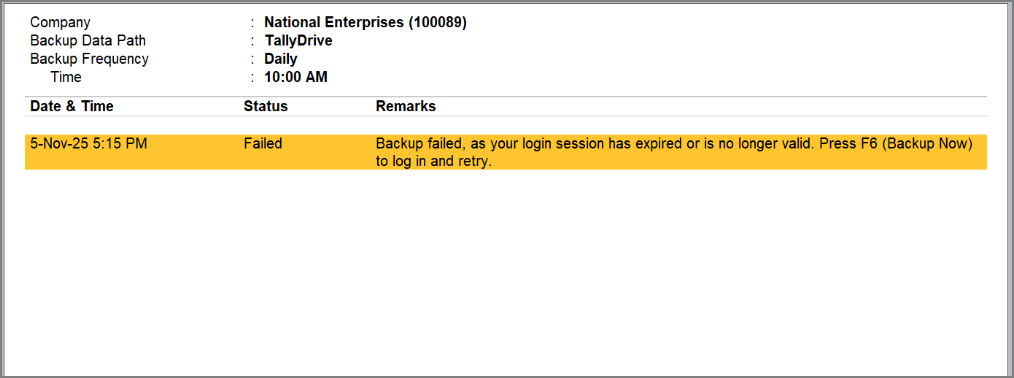
Backup failed, as your login session has expired or is no longer valid.
This error appears in either of the following cases:
Cause 1: The Tally.NET login session used for scheduling the backup has expired (after 3 months).
Cause 2: The Tally.NET password for the ID has changed.
Cause 3: The user has manually reset the TallyDrive login from F1 (Help) > Troubleshooting > Reset TallyDrive Login.
Cause 4: The Tally.NET ID has become inactive or its right to access TallyDrive has been deleted.
Resolution:
In the Backup Log report,
- Press F6 (Backup Now), and press Y to initiate the backup.
- Log in to TallyDrive with valid Tally.NET credentials, and once authenticated, the backup will be scheduled again for the company.
Is this information useful?
YesNo


