
GSTR-3B Excel Utility Template Does Not Exist
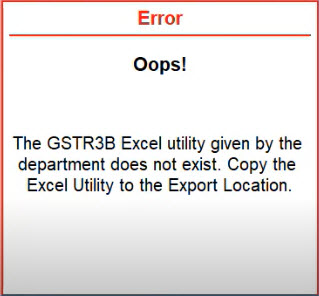
Error: The GSTR3B Excel utility given by the department does not exist. Copy the Excel utility to the export location.
Cause: This error occurs when you try to export the GSTR-3B report but the Excel template provided by the GST department is not available in the folder path. As a result of this, you will not be able to export the report into an Excel file.
Resolution: Update the excel template provided by the GST department, using the following steps.
- In the GST portal, select Downloads > GSTR-3B Offline Utility > click Download.
- Select Proceed to download the Utility.
- Extract the Excel file from the zip folder and save it in a folder.
- In TallyPrime, open GSTR-3B.
- Press Alt+E (Export) and select GST Returns.
- Press Alt+E (Export) and Alt+C (Configure).
- Copy the path of the saved Excel file and, under Export Settings, paste it in the Template File Path.
- Select the Template File Name.
- Press Ctrl+A to save and Alt+E to export the details.
Now the GSTR-3B report will be exported in the Excel format. To know more, refer to File GSTR-3B Using the JSON File Generated from GST Offline Tool.
Is this information useful?
YesNo


