
Due Date of Order is Missing in Item Allocations
Resolution
- Drill down from the exception to open the voucher.
- Select the item and press Enter.
Item Allocations for: screen opens.
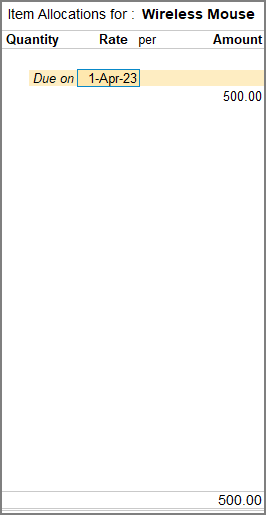
- Enter the Due on date as required and save the screen.
- Press Ctrl+A to save the voucher.
Is this information useful?
YesNo


