
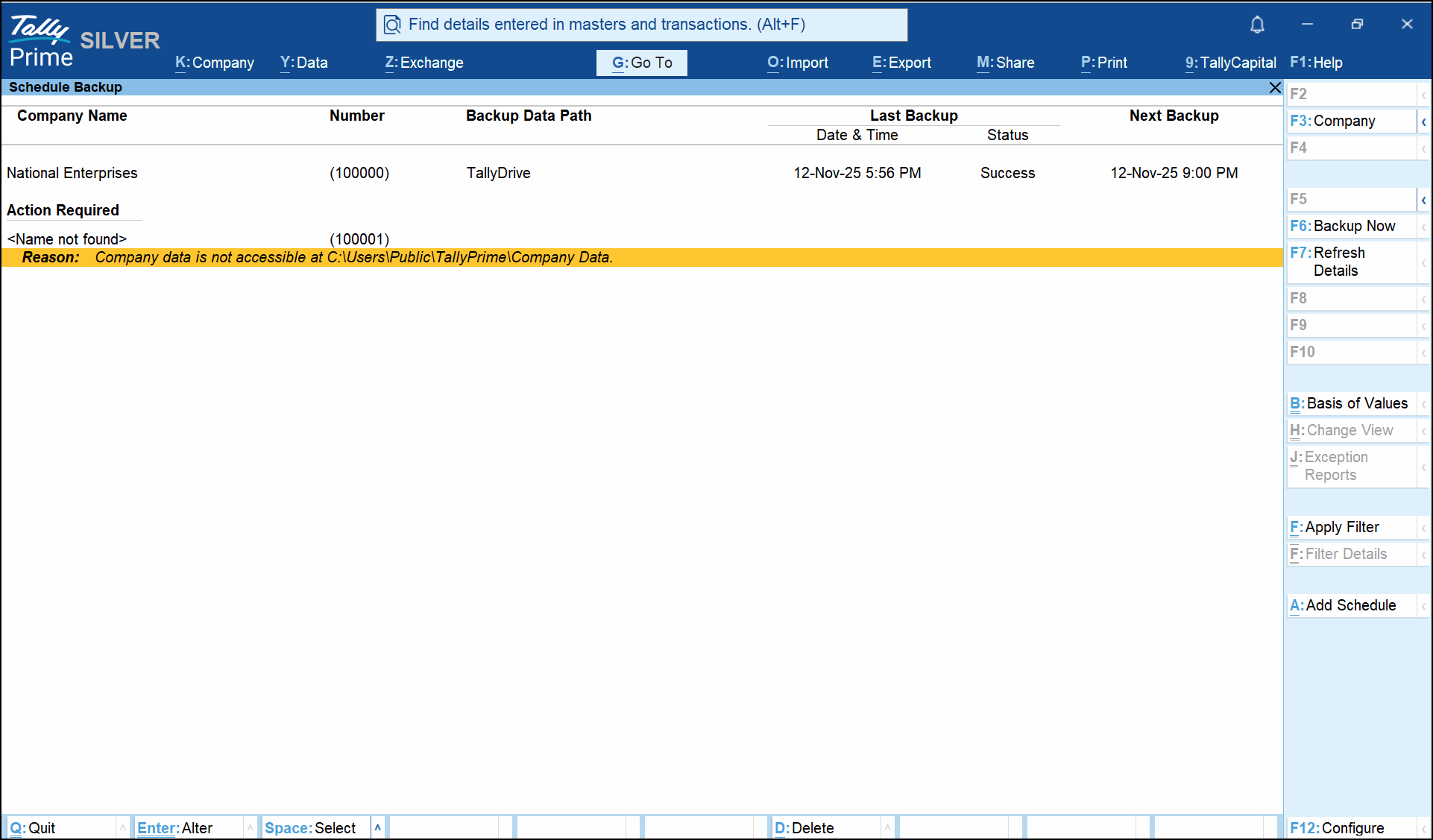
Unable to proceed as company data is not accessible.
Cause: This error appears in the following cases:
- Company scheduled for backup has been deleted
- company folder is renamed
- Source path is no longer valid (for example, a network drive or pen-drive is disconnected).
It can occur while performing actions such as Alter, Delete, Enter, or Backup Now on the task.
Resolution:
-
Press Shift+Enter on the task to open the Detailed View and check the Source Path.
-
Navigate to the source path and ensure the company folder exists, and the company number matches the value shown in the Number column of the report.
-
Ensure the network drive or shared location is connected and permissions are correct.
Once access is restored, retry the operation.
Is this information useful?
YesNo


