
Backup did not run as per scheduled date & time on <date and time> as your system was turned off or Tally Scheduler may not have been running.
Cause: The system was switched off at the time of the scheduled backup.
Resolution: Ensure that your system is powered on during the scheduled backup time.
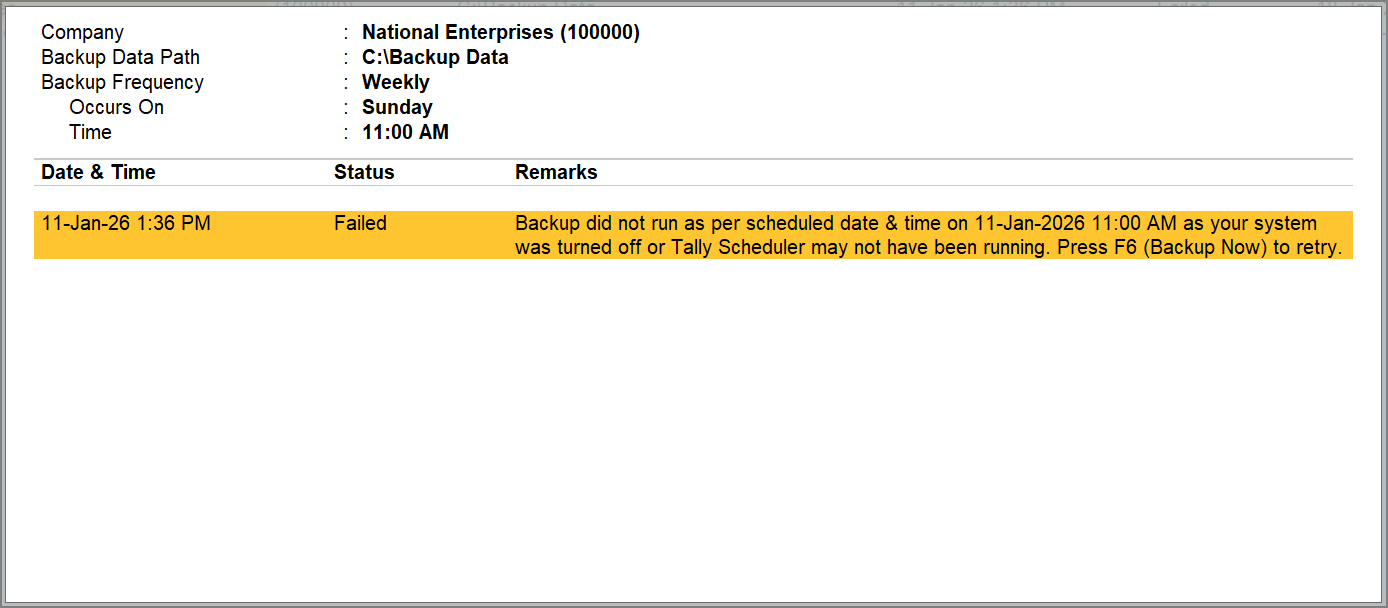
Cause: The TallyScheduler service is not running even though the system is on.
Resolution:
Check and start the TallyScheduler service using any of these methods:
From the About Page
- Go to F1 (Help) > About and check the Tally Scheduler running status.
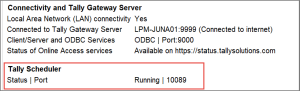
If it does not show Running, start the service. To learn how to start the Tally Scheduler, refer to How can I manually start, stop, restart, or re-install the Tally Scheduler?
From the Notifications report
If the Tally Scheduler is not running, you will receive a Notification.
- Press Ctlr+Alt+N (Notifications) or click the Bell icon to open the Notifications report.
- Press Enter on the notification to start the service.
If the service still does not run, contact Tally Support for further help.
Is this information useful?
YesNo


