
Cause
The ODBC port required to connect to TallyPrime is not configured or the configured port is occupied by another application.
Resolution
For computer in which the operating system installed is Windows XP or a higher version:
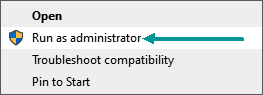
- Right-click the TallyPrime icon, and select Run as administrator.
- The Select Company screen appears. Select the required company from which you want to extract the data. The About page displays the Client/Server with ODBC Services. If the port number is not configured, you can configure it by following the steps given below:
- Press Alt+F1 (Help) > About > select Client/Server and ODBC Services and press Enter.
- Enter the Port number. By default the port is set to 9000, as shown below:
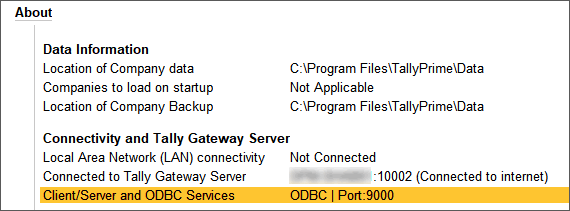
In case the port number mentioned is occupied by another application, you need to provide another port number.
Is this information useful?
YesNo


