
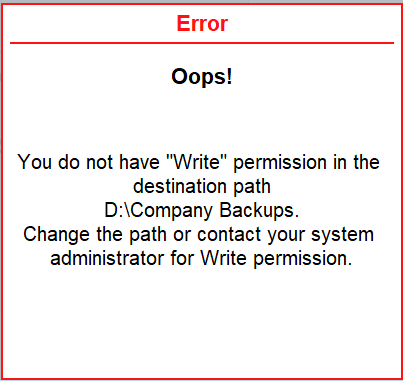
You do not have “Write” permission in the destination path.
Cause: This error message appears when you do not have Write permission for the folder selected as backup destination.
Resolution
If you are a standard user, you can notify the administrator to give you the Write permission.
As an admin, to check and enable the Write permission for the destination folder:
-
Right-click the destination folder and select Properties.
-
Go to the Security tab and select the user who needs Write permission.
-
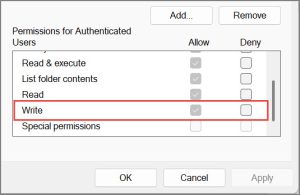
Check if Write is enabled under Permissions for Users/Administrators.
-
If Write permission is not enabled:
-
Click Edit.
-
Enable the Write permission.
-
-
Click Apply, and then OK to save the changes.
Is this information useful?
YesNo


