
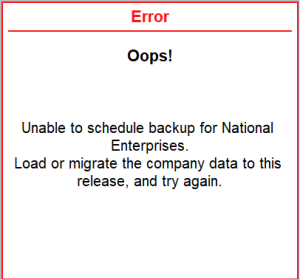
Unable to schedule backup for <company name>.
Cause: This error appears when the company is not compatible with the current release of TallyPrime and therefore cannot be scheduled for backup.
Resolution 1:
Open the company in the current release of TallyPrime from the Select Company screen, and then try scheduling the backup again.
- From the Gateway of Tally, press Alt+F3 (Select Company) and then try scheduling backup.
Resolution 2:
If the company requires migration, migrate it to the current release and retry.
- Press Alt+Y (Data) > Migrate the required company and then try scheduling backup.
Resolution 3:
If the company shows any other pending state against the company number, load the company and complete the required process before scheduling the backup.
Is this information useful?
YesNo


