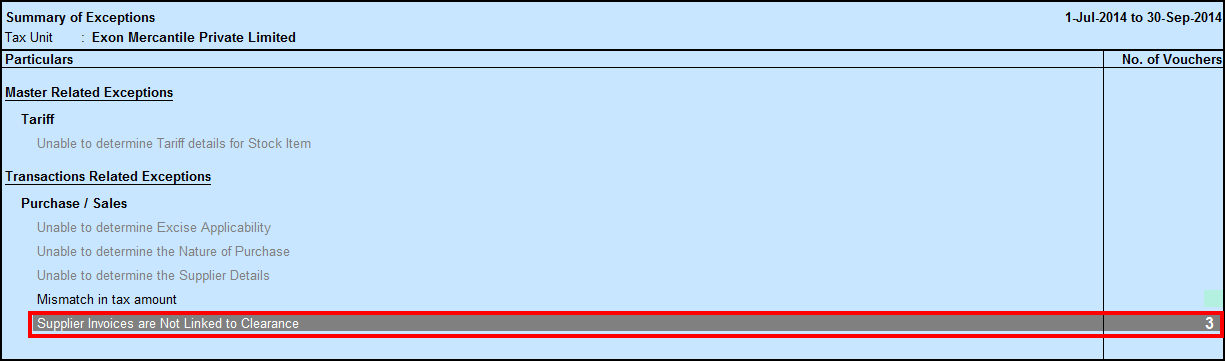
Supplier invoices are not Linked to Clearance (Transaction-Related Exceptions - Purchase/Sales)
If Supplier invoice (i.e Purchase invoices) is not linked with sales invoice (under Supplier Details screen), then this exception will appear.
1. Press Enter on the exception. The List of Sales transactions appears.
2. Enter on particular sales transaction

List of purchase transactions appears.

3. Press F4: Full or F5: Partial to link Sold Qty with Sales.
4. Press F6: Save, to save the changes.
5. Accept the screen to rectify the exceptions.