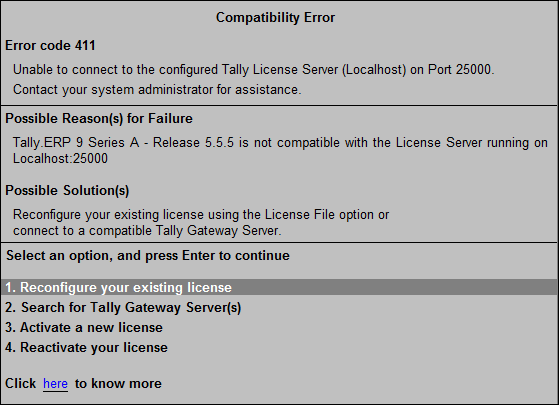
Error Code 411
This error occurs when Tally.ERP 9 is unable to connect to the configured Tally License Server and Port.
● If the current release of Tally.ERP 9 is not compatible with the License Server running on the Server name and port specified in the Configure Existing License screen, this error may occur.
●
1. Reconfigure your existing license
o Select License File in Configure license using field.
o Specify the License file path.
2. Search for the required Tally Gateway Server(s)
o Press F2 in the Configure Existing License screen to select a Tally Gateway Server.
3. Activate a new license on this computer.
4. Reactivate your existing license on this computer.