Tally.ERP 9 allows you to transfer materials from one Godown to another. The transfer of materials is done using the Transfer Journal Voucher.
To create stock journal for inter - godown transfers,
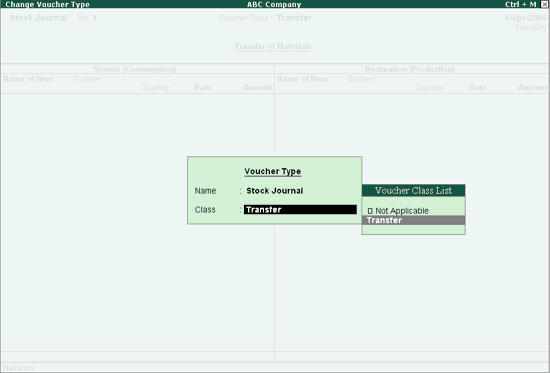
1. Go to Gateway of Tally > Inventory vouchers > Alt+F7 for Stock Journal and select the class.
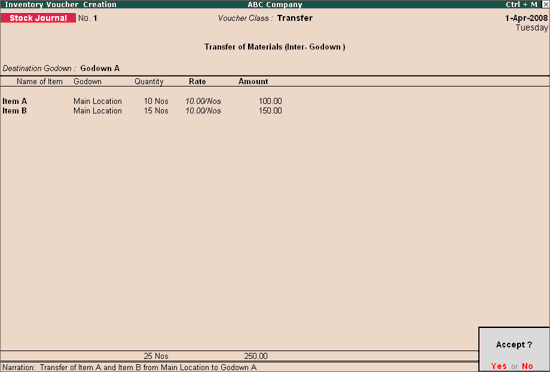
2. Pass the stock transfer entry.
To print stock transfer vouchers
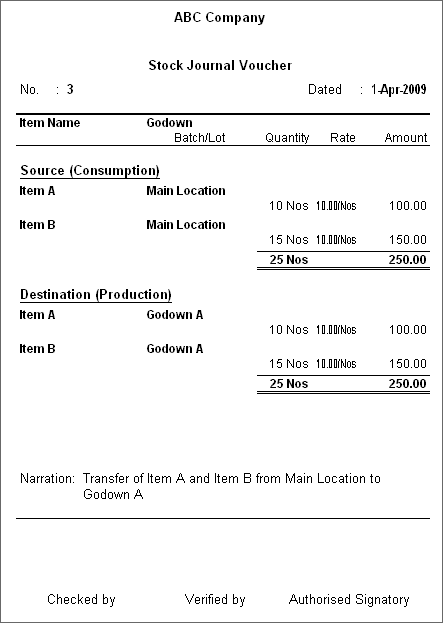
1. Press Alt+P to print the Stock Transfer Journal Voucher.
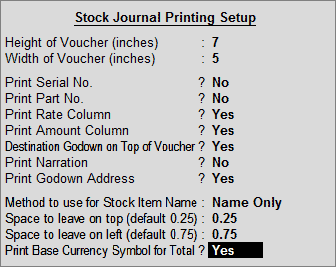
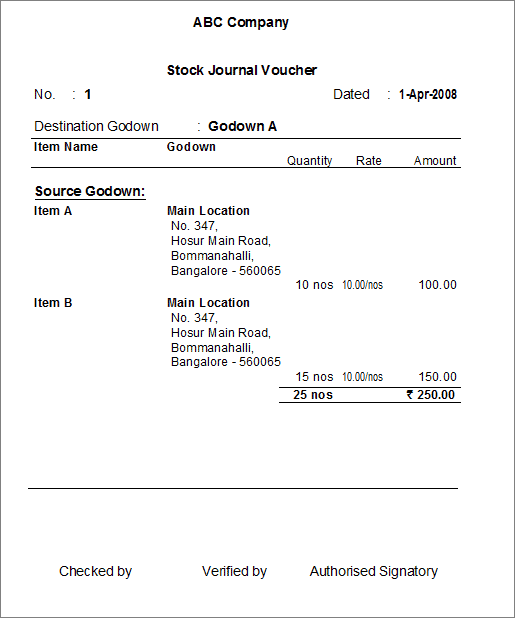
● While printing Stock Transfer Voucher, set the options Destination Godown on Top of Voucher and Print Godown Address to Yes.
● Enabling the option Destination Godown on Top of Voucher will display the Destination Godown name on the top of the voucher instead of printing as separate rows
● Enabling the option Print Godown Address will display the godown address as mentioned in the Godown Creation/Alteration screen.