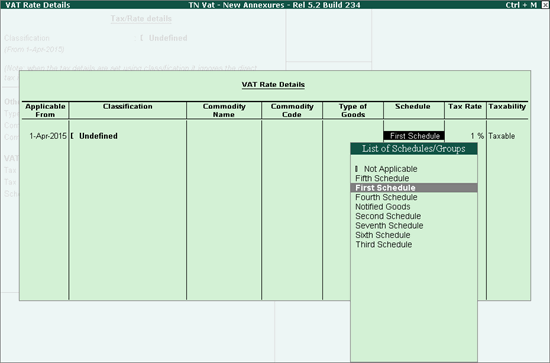
Errors in Schedule Configurations
Wrong scheduled was specified for the stock item.
To resolve this,
● Open the VAT Rate Details screen (from the Stock Item or Stock Group Alteration screen, and Ledger or Ledger Group Alteration screen).
● Click L:Details
● Enter the required Schedule
● Press Enter to save.