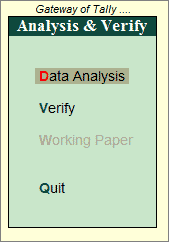
Enabling the analysis tool is a simple two step process.
To enable the analysis features in Tally.ERP 9 , follow the steps given below:
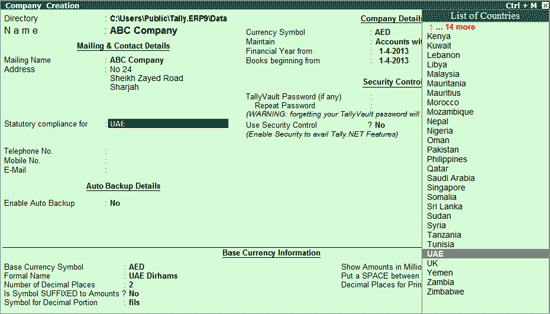
In the Company Creation screen, select the country. The list of applicable countries is available here
Note: Ensure that Security Control is enabled during Company Creation.
On creation of the company, the Gateway of Tally appears with the new menu option - Analysis & Verification.
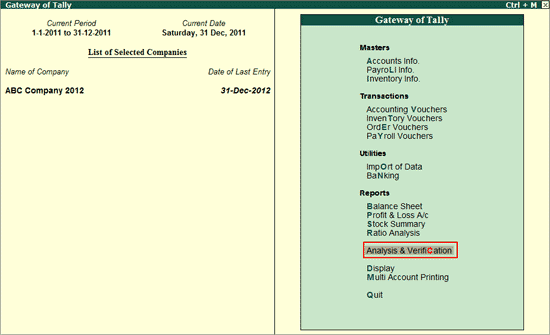
Select Analysis & Verification
In case, Security Control is not enabled while Company Creation, then the following screen appears.
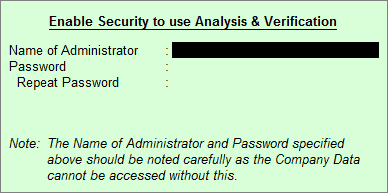
Enter the name of the Administrator with the security password in this screen
Press Enter to accept.
The Analysis & Verify menu appears as shown: